YouTube Thumbnail Size: What Changed, and Whether Your Old Files Still Work
YouTube now recommends 3840 × 2160, but most of page one — and Google's own AI Overview — still says 1280 × 720. Here is what actually changed, and why your existing thumbnails are fine.
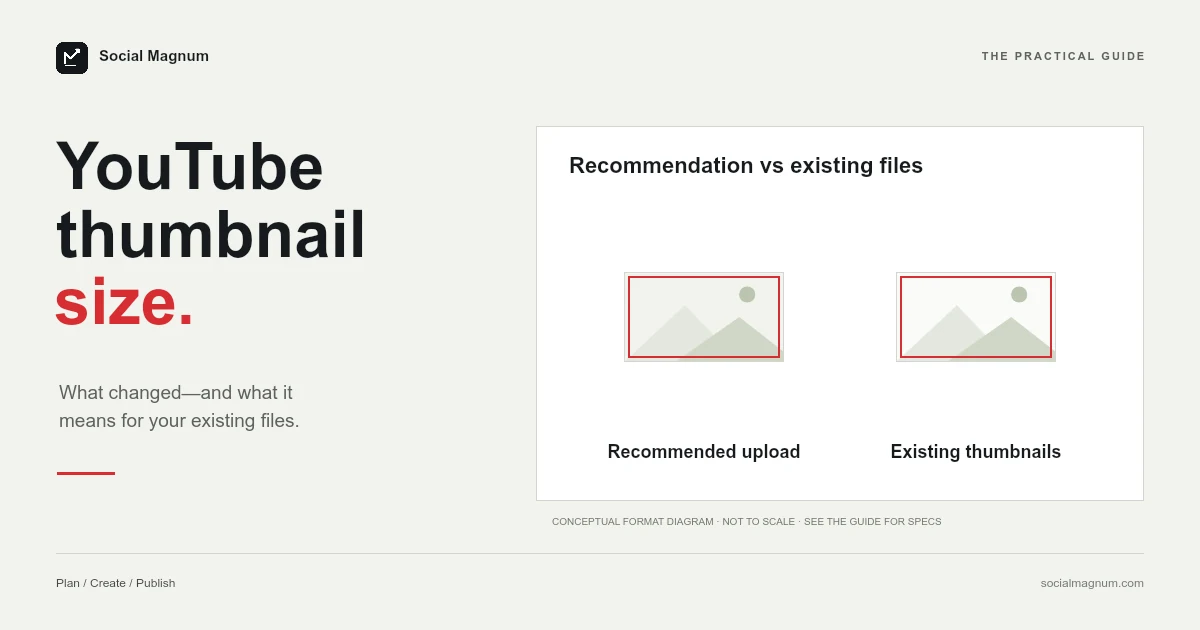
The recommended YouTube thumbnail size is now 3840 × 2160 pixels, at a 16:9 aspect ratio, saved as JPG or PNG, up to 50 MB. That is what YouTube’s own help documentation states today.
It is not what most of the internet will tell you, and it is not what Google’s AI Overview will tell you either — both still say 1280 × 720. Neither number is a mistake exactly. The recommendation changed, most guides have not caught up, and the old size still works. This is the whole picture, sourced, in one place.
What size should a YouTube thumbnail be?
| Spec | Current recommendation |
|---|---|
| Resolution | 3840 × 2160 px |
| Minimum width | 640 px |
| Aspect ratio | 16:9 |
| File formats | JPG or PNG |
| Maximum file size | 50 MB desktop; 2 MB mobile (10 MB podcasts) |
| Shorts thumbnail | 2160 × 3840, minimum height 640 px |
Key facts, checked 22 August 2026: YouTube’s thumbnail help page recommends 3840 × 2160 pixels at 16:9 for videos and 2160 × 3840 for Shorts, accepts a minimum width of 640 pixels (minimum height 640 for Shorts), takes JPG or PNG, and allows 50 MB on desktop upload for video, Shorts and podcast thumbnails, against 2 MB for video thumbnails and 10 MB for podcasts uploaded from mobile. The 1280 × 720 that most guides and Google’s AI Overview still give was the previous recommendation, not the current one. Existing 1280 × 720 thumbnails keep working because the only hard requirement, the 640-pixel minimum width, has not changed.
Those figures come from YouTube’s own thumbnail help page, not from a design blog repeating another design blog. If you only need the number, that is the number, and you can stop reading here.
If you have just seen a different number somewhere else and want to know which one to trust, the rest of this is worth four minutes.
Why half the internet still says 1280 × 720
Search for this and you will get two confidently stated, mutually exclusive answers on the same page of results. We pulled the live results to see how bad the split is.
| Source | States | Currency |
|---|---|---|
| YouTube help documentation | 3840 × 2160, 50 MB | Current |
| Google's AI Overview | 1280 × 720 | Out of date |
| Canva | 1280 × 720, 2 MB | Page titled “in 2022” |
| Shopify | 1280 × 720, 2 MB | Last updated 2024 |
| TechSmith | 1280 × 720 | Last updated 2025 |
| Snappa | 1280 × 720 | Updated 2026, still stale |
The reason is ordinary. 1280 × 720 was the recommended size for roughly a decade. It was correct for so long that it stopped being something writers checked, and it is now embedded in hundreds of guides, templates and course modules. YouTube raised the recommendation; the web did not re-crawl itself.
You can watch the correction happening in the search data. Monthly searches for “youtube thumbnail size 4k” are up around 300 percent year on year. The volume is still small, but the direction is unambiguous: people are noticing the change and going looking for confirmation.
It is a useful reminder that a well-ranked page and a correct page are not the same thing, and that platform specifications are worth checking at the source rather than inheriting from the fourth result down.
Do your existing thumbnails still work?
Yes. Nothing you have already uploaded has broken, and nothing needs re-exporting.
This is the question the search results are actually failing to answer. Of the four questions in Google’s People Also Ask box for this query, three are versions of it — whether 1920 × 1080 is better than 1280 × 720, whether a 1920 × 1080 thumbnail can be uploaded at all, whether 1920 × 1080 is even a valid YouTube size. People are not confused about the new number. They are worried they have done something wrong.
“Recommended” and “required” are different words doing different work. The recommendation moved to 4K because YouTube is displayed on television screens far more than it used to be, and a 1280 × 720 image that looked sharp on a phone a decade ago looks soft stretched across a living room display. The requirement — 640 pixels wide, 16:9, JPG or PNG — has not moved.
So there is no emergency, and there is certainly no case for bulk re-exporting a back catalogue. There is a reason to export new thumbnails larger from now on, and that is the entire practical consequence.
What each size actually gets you
The recommendation reads as arbitrary until you see what changes between one size and the next.
| Size | Status | Where it shows its limits |
|---|---|---|
| 640 × 360 | Bare minimum accepted | Visibly soft on desktop, poor on TV |
| 1280 × 720 | Former recommendation, still valid | Fine on phone and desktop, soft on large TV |
| 1920 × 1080 | Valid, a sensible middle | Holds up on most screens including TV |
| 3840 × 2160 | Current recommendation | Sharp everywhere, including 4K TV panels |
Every one of these is 16:9, which is the part that genuinely matters. Aspect ratio is the specification YouTube will not forgive: upload 4:3 or square and the player will letterbox or crop it, and whatever you put near the edges is what gets sacrificed.
The practical read is that 1920 × 1080 is a perfectly defensible working size if 4K exports are slow on your machine. It is well above the minimum, it is the same aspect ratio, and the visible difference between it and 3840 × 2160 only appears on large displays. If you are choosing a canvas size today and have no reason not to, choose 3840 × 2160 and let YouTube scale down — downscaling is lossless in the ways that matter, whereas upscaling a 1280 × 720 export to fill a 4K panel is not.
The file size limit changed too
The less-reported half of the change is the ceiling. The maximum thumbnail file size is now 50 MB on desktop upload. On mobile it is still 2 MB for video thumbnails and 10 MB for podcast thumbnails, which is why the old figure has not disappeared from YouTube’s page.
That is a twenty-five-fold increase, and it is the change that makes the 4K recommendation practical. A 3840 × 2160 JPG at reasonable quality lands somewhere in the region of 2 to 5 MB. Under the old ceiling, a genuinely sharp 4K thumbnail would have been squeezed until it was not worth exporting at 4K in the first place. The two changes only make sense together, which is a good sign that both are real.
Worth keeping some restraint anyway. A 50 MB thumbnail is slow to upload, slow for YouTube to process, and buys you nothing a 4 MB one does not. The limit is headroom, not a target. If your export is landing above about 8 MB, the usual cause is exporting PNG where a JPG at quality 85 would be indistinguishable at a fraction of the weight.
One detail worth knowing: the 50 MB ceiling is stated to cover video, Shorts and podcast thumbnails alike, so there is no separate, stingier limit hiding behind a different format. We cover the video side in our guide to the YouTube Shorts size.
Thumbnail size in inches or centimetres
A surprising number of people search for this in physical units, and almost nobody answers it properly, so here it is.
A YouTube thumbnail has no physical size. It is a screen image, measured only in pixels, and the inches it occupies depend entirely on the display it lands on. The question is real, though, and it comes from a real place: design tools aimed at print open new documents in inches or millimetres by default, so people setting up a canvas are asked for a measurement the platform never specifies.
If your tool insists on physical units, the conversion runs through resolution. At the 96 pixels-per-inch web standard, 3840 × 2160 pixels is 40 × 22.5 inches, or roughly 101 × 57 centimetres. At the 300 DPI print default that many design tools assume, the same pixel dimensions come out at 12.8 × 7.2 inches.
Both are correct arithmetic and neither is useful, which is the actual answer: switch the document units to pixels and set 3840 × 2160 directly. Any canvas that ends up at the right pixel dimensions is the right canvas, regardless of what inch figure the tool displays alongside it.
Where thumbnails get cropped and covered
Getting the dimensions right is only half of it. The same image is displayed at wildly different sizes across YouTube, and two things reliably ruin otherwise good thumbnails.
- The video duration sits in the bottom-right corner, over your image. Anything you place there is covered on every surface where the timestamp renders.
- Thumbnails are shown small far more often than large. In a sidebar or a mobile feed your image can render only a couple of hundred pixels wide, and text that was legible at full size becomes an unreadable smudge.
The working rule that follows: keep faces and any text near the centre, keep the bottom-right clear, and use fewer, larger words than feel necessary. A thumbnail carrying three or four large words survives being shrunk. One carrying a full sentence does not.
Contrast does the same job as size. A subject that separates cleanly from its background stays readable at 200 pixels wide; one that blends into a busy background turns to mush long before the text does.
Check it yourself before publishing by shrinking the image to around 20 percent and looking at it. If you cannot read it at that size, neither can the person scrolling.
The same discipline applies to the other two images on a channel page: the YouTube banner, which is cropped four different ways, and the YouTube profile picture, which is displayed as a circle.
How to resize an image to the right size
If you already have an image and just need it at the correct dimensions, the job is a crop to 16:9 followed by an export. In Photoshop that means a new document at 3840 × 2160 pixels, placing the image, scaling it to fill the frame, and exporting as JPG. In Canva it means a custom size in pixels rather than one of the print presets.
The part people get wrong is the crop rather than the resize. Squashing a photo into a 16:9 frame distorts faces, which is instantly obvious to a viewer even when they cannot say why. Cropping without deciding what the subject is chops heads off. What you want is to choose the point the frame should hold onto, and let everything else fall outside it.
That distinction matters most when the source is a vertical photo. Going from a portrait phone shot to a 16:9 thumbnail throws away most of the height, and whether the result is usable comes down entirely to which part of the frame you chose to keep.
Our free image resizer does exactly that in the browser, with no upload to a server and no account. Pick the YouTube thumbnail dimensions, set the point the crop should keep, and export. It is the same tool our own customers use to prepare images before scheduling them, and it is free to use whether or not you have an account.
Thumbnails are one specification among many, and the rest vary a great deal in how firmly they are actually published. Our guide to social media image sizes marks which figures each platform documents and which the internet simply agreed on.
The short version
- 1
YouTube now recommends 3840 × 2160 for thumbnails, 16:9, JPG or PNG
- 2
The maximum file size is 50 MB on desktop; mobile uploads are still capped at 2 MB, or 10 MB for podcasts
- 3
Existing 1280 × 720 thumbnails are fine — the minimum width is 640 px and has not changed
- 4
Aspect ratio is the unforgiving specification; keep the bottom-right corner clear