YouTube Profile Picture Size: 98 x 98 Is Not the Upload
The only dimension YouTube publishes is 98 x 98, and it is the size the picture comes out at rather than the file you should send. Upload one at that size and you get the blurry avatar people keep asking about.
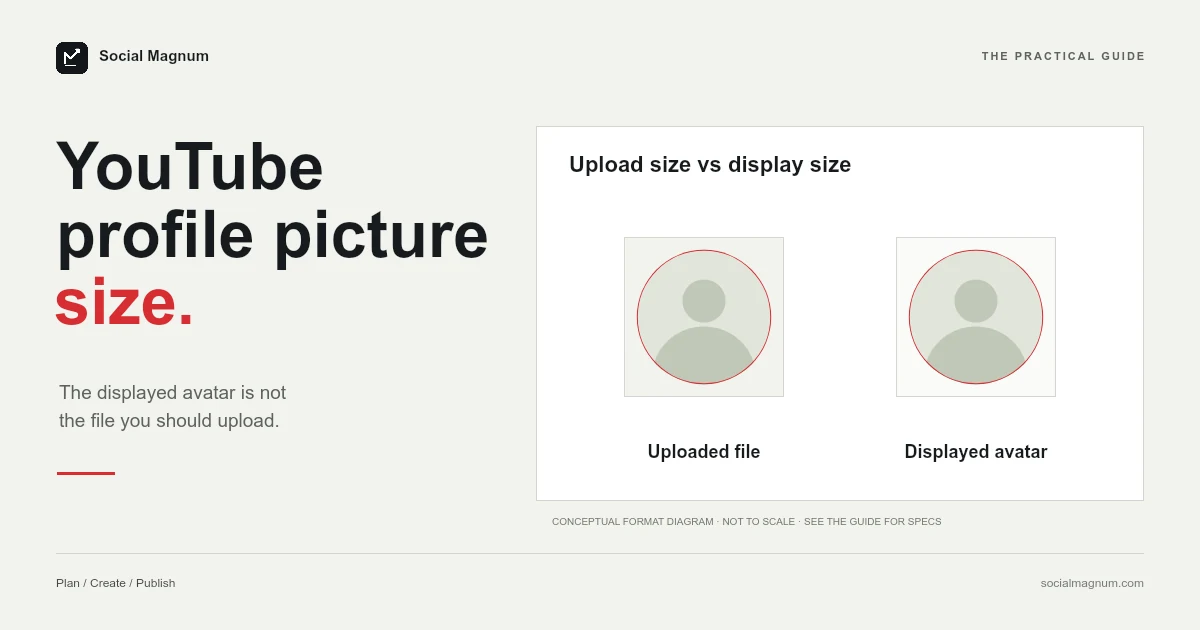
The only dimension YouTube publishes for a channel profile picture is 98 × 98 pixels — and you should not upload one at that size.
That sentence sounds contradictory until you notice what YouTube’s wording actually says. It does not describe a file to upload. It describes where the image ends up.
What size should a YouTube profile picture be?
The criteria sit inside a collapsed section of YouTube’s channel branding page, which is part of why they are quoted so rarely.
| Criterion | YouTube's wording |
|---|---|
| Formats | JPG, GIF, BMP, or PNG file (no animated GIFs) |
| File size | Image size should not exceed 15 MB. |
| Dimension | Image that renders at 98 X 98 px. |
Key facts, read from YouTube’s ‘Manage your channel branding’ page on 21 August 2026: a profile picture (YouTube’s term for what searchers call the pfp, avatar or channel icon) must be a JPG, GIF, BMP or PNG file with no animated GIFs, must not exceed 15 MB, and is described as an image that renders at 98 × 98 pixels. YouTube publishes no upload dimension. Because modern screens draw a 98-pixel slot with two to three times as many physical pixels, upload a square considerably larger, 800 × 800 being the common convention, and let YouTube scale it down. One page-one guide’s 4 MB limit is nearly four times smaller than YouTube’s.
Note the verb. YouTube says the image renders at 98 × 98. It does not say upload at 98 × 98, and it gives no upload dimension at all.
Rendered size is not upload size
This distinction is the whole subject, and getting it backwards is the most common way to end up with a profile picture that looks soft.
A rendered size is how large the image appears in the interface, measured in the layout’s own units. An upload size is the file you hand over. On modern displays those are not the same thing: phones and laptops pack two or three physical pixels into every logical one, so a slot that is 98 units wide is drawn using perhaps 200 or 300 actual pixels.
So the practical instruction is the opposite of the published number: give YouTube something comfortably larger than 98 × 98 and let it scale down, because scaling down is a clean operation and scaling up is guesswork.
Where 800 × 800 came from
Almost every guide on page one says 800 × 800, and two of them describe it as YouTube’s recommended size. We could not find YouTube recommending it anywhere.
It is a sensible convention rather than a mistake. It is square, it is comfortably above any display density in use, and it is small enough to upload without thinking about it. As a default it works.
A third page on the same first page of results says 1000 × 1000 instead, which is equally fine and equally unpublished. Both are people solving the same problem — YouTube gave a render size, so somebody had to pick an upload size — and arriving at slightly different answers.
One page-one result is wrong by four times
A guide currently ranking for this term states that the maximum file size for a YouTube profile picture is 4 MB. YouTube states 15 MB.
That is not a rounding difference or an old figure that has drifted — it is nearly four times out, and it is the kind of claim that would make someone compress an image unnecessarily and lose quality for no reason.
It is also the same pattern we found writing about YouTube thumbnail sizes, where the widely repeated file-size limit was similarly out of date while YouTube’s own page said something much more generous.
In practice nobody will approach 15 MB with a square logo. The point is that the number circulating is not the number published, and the direction of the error costs you image quality rather than saving you anything.
GIF is accepted, animation is not
YouTube lists GIF among four accepted formats and then rules out animated GIFs in the same line.
This is worth flagging because the failure is silent. The file uploads, nothing errors, and you get a still frame — which reads as a bug rather than as documented behaviour.
X has exactly the same rule and states it in almost the same way, which we covered in our guide to the Twitter header size. If you have been trying to get an animated avatar onto either platform, both have quietly said no in their documentation for some time.
BMP is the outlier in that list and is worth ignoring. It is accepted, it is enormous relative to what it contains, and there is no situation where it is the right choice here.
It is square on upload and round in use
YouTube accepts a square image and displays it as a circle, which is the second thing that catches people designing a logo for it.
The corners of your square are outside the circle and will never be seen. A wordmark that fits its bounding box tightly loses its ends; a design with detail in the corners loses the detail. The fix is padding rather than shrinking — build the mark inside a comfortable margin so the circular crop takes empty space rather than content.
It is also worth checking the result at the size it will actually appear. A logo that reads clearly at 800 × 800 in a design tool can become an unidentifiable smudge in a comment thread, because that is a context where it really is drawn small.
Changing it, and why it seems not to work
The upload lives in YouTube Studio rather than on the channel page, under Customisation and then Profile, behind a Change button.
Two details there are worth knowing. The first is that YouTube offers a set of illustrations as an alternative to uploading anything, with adjustable preset colours — genuinely useful if you are setting up a channel and do not yet have a mark of your own.
The second explains a common complaint. YouTube says it may take a few minutes for a new profile picture to update across the platform, and in practice the old one persists in some places longer than others: your channel page changes first, comments and video bylines catch up afterwards.
One further quirk of the illustration option is worth knowing before you rely on it: it is generated inside YouTube rather than uploaded, so there is no file to reuse anywhere else. If you later want the same mark on another platform, you are starting again from nothing.
The same image, many sizes
YouTube describes the profile picture as the image shown on your channel, your videos, and publicly attributable actions across YouTube — which is a long way of saying it appears almost everywhere.
- Large, at the top of your channel page beside the banner.
- Small, next to the title under every video you publish.
- Smaller still, beside every comment you leave anywhere on the platform.
One file serves all of them, so the design has to survive the smallest context rather than flatter the largest. That usually means one strong shape or one or two letters, not a full wordmark and not fine detail.
Preparing the file
The job is a square crop followed by an export, and the crop is the part worth attention.
Taking a square out of a rectangular photograph throws away one dimension entirely, so the only real decision is which part you keep — and for a profile picture that is almost always a face, positioned so it survives a circular mask.
Our free image resizer does this in the browser with no upload and no account. Set a square, choose the point the crop should hold onto, and export at 800 × 800.
For every other figure on the platform, our guide to social media image sizes marks which numbers are published and which — like 800 × 800 here — are only widely agreed.
The short version
- 1
YouTube publishes 98 x 98 as the size the picture renders at, not an upload size
- 2
Uploading at 98 x 98 is what produces a blurry avatar on a high-density screen
- 3
800 x 800 is convention; YouTube does not recommend it anywhere we could find
- 4
YouTube allows 15 MB — a page-one guide says 4 MB, which is nearly four times out
- 5
GIF is accepted but animated GIFs are not, and the failure is silent