Free Image Editor
A layer-based design editor in your browser. Real typography, shapes, filters, crop, and every social size as a preset. No signup, no watermark, and your photos never leave your machine.
- No signup
- No watermark
- Real layers
- Every social size
- Nothing uploaded
Write it once, post it everywhere. Social Magnum schedules and publishes to all 20+ networks in one click.
Untitled. Post 1080×1350
No account neededFriday 8 PM
Live Q&A
with @maya.codes
Founder, Brightwork Studio
No watermark · full resolution
How it works
Design a social graphic in five simple steps
A real editor, not a template picker. You compose the image, it stays out of the way.
- 1
Start from a size or a photo
Pick a social preset, story, post, cover, thumbnail, or drop your own image and the canvas takes its dimensions.
- 2
Build in layers
Photos, text and shapes are each their own layer. Reorder them, lock what is finished, duplicate what repeats.
- 3
Set the words properly
Real typography controls: typeface, size, colour, alignment. Titles that look set, not captioned.
- 4
Grade the image
Filters for the fast version, adjustments for the precise one, crop when the frame is wrong. All applied live on your machine.
- 5
Export clean
Full resolution, no watermark, straight to a download. Sign in only when you want the design saved or scheduled.
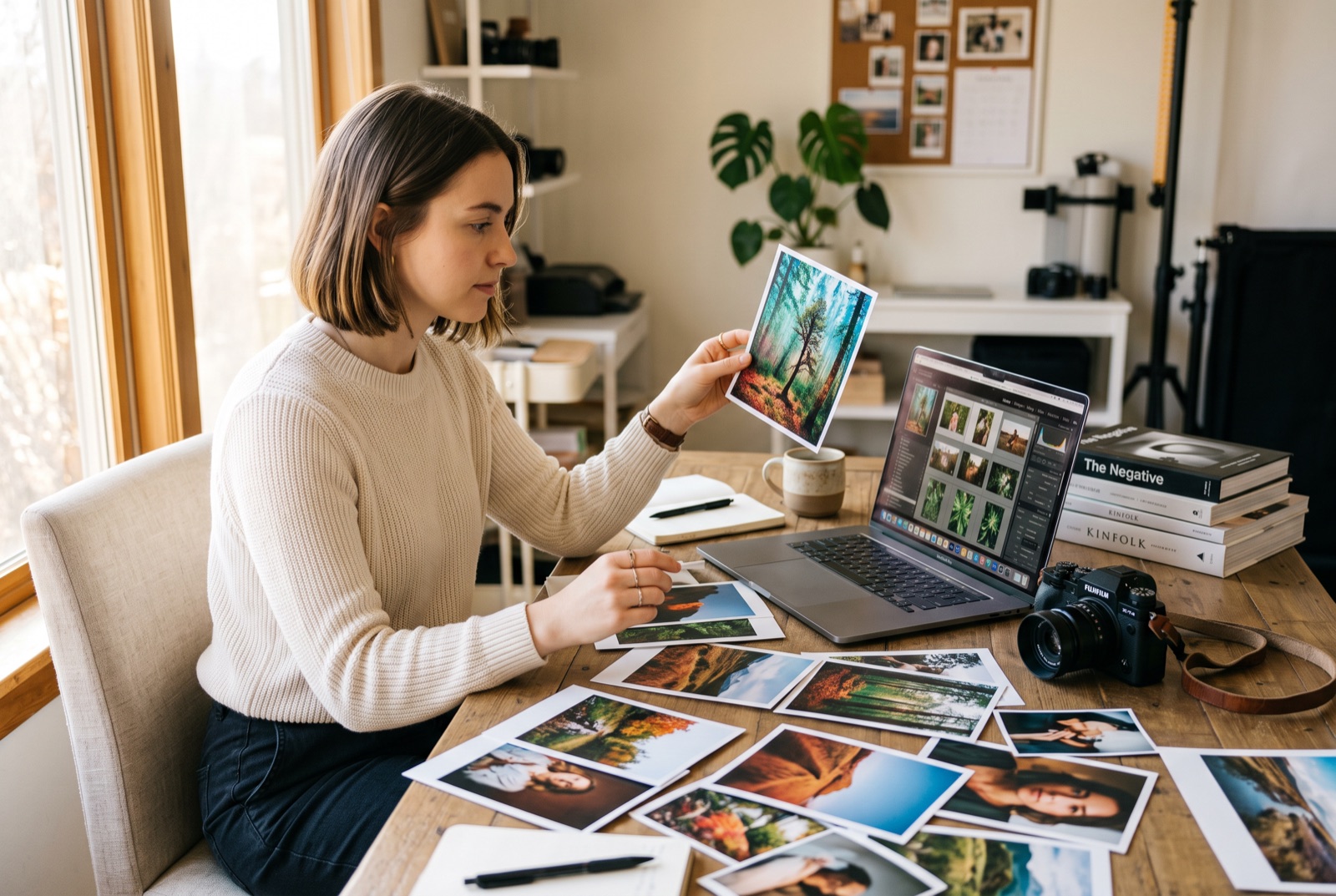
Design it here. Post it everywhere.
This is the same editor that lives inside Social Magnum. We unlocked it because trying a tool beats reading about one. With an account, a finished graphic skips the download entirely: straight to the composer, scheduled to 20+ networks from one place. The editing stays free either way.
Weekend drop
New in store
Layers
Filters
Adjust
The toolkit
Eight things it does properly
The parts of a design tool you actually reach for when a post has to look right rather than look made.
- 1
Layers
Every element is its own layer. Reorder the stack, lock what is done, duplicate what repeats, delete what failed.
- 2
Text
Typefaces, sizes, colours and alignment with proper controls. The difference between a caption and a composition.
- 3
Shapes
Rectangles, circles and lines for badges, banners, dividers and backgrounds behind type.
- 4
Filters
One-tap looks applied live to the photo underneath. Try five, keep one.
- 5
Adjustments
The manual dials behind the filters, for when a photo needs exactly this much and no more.
- 6
Crop and alignment
Crop to the frame you meant, and alignment tools that snap elements into place instead of eyeballing it.
- 7
Every social size
Stories, posts, covers, thumbnails. Each network's dimensions are one click, so the canvas is right before you start.
- 8
Clean export
Full-resolution download with no watermark and no signup wall between you and your own design.
Built for the people who ship images daily
Same canvas whatever the job. It opens fast, and it opens free.
Social managers
One design becomes a story, a post and a cover. Every network's dimensions are a preset, not a recalculation.
Creators
Thumbnails and covers with type that looks deliberate. And no watermark parked on your face.
Small shops
Product shots cropped, graded and captioned without a design-suite subscription.
Occasional designers
A real editor for the flyer you make twice a year. Nothing to install, nothing to relearn.
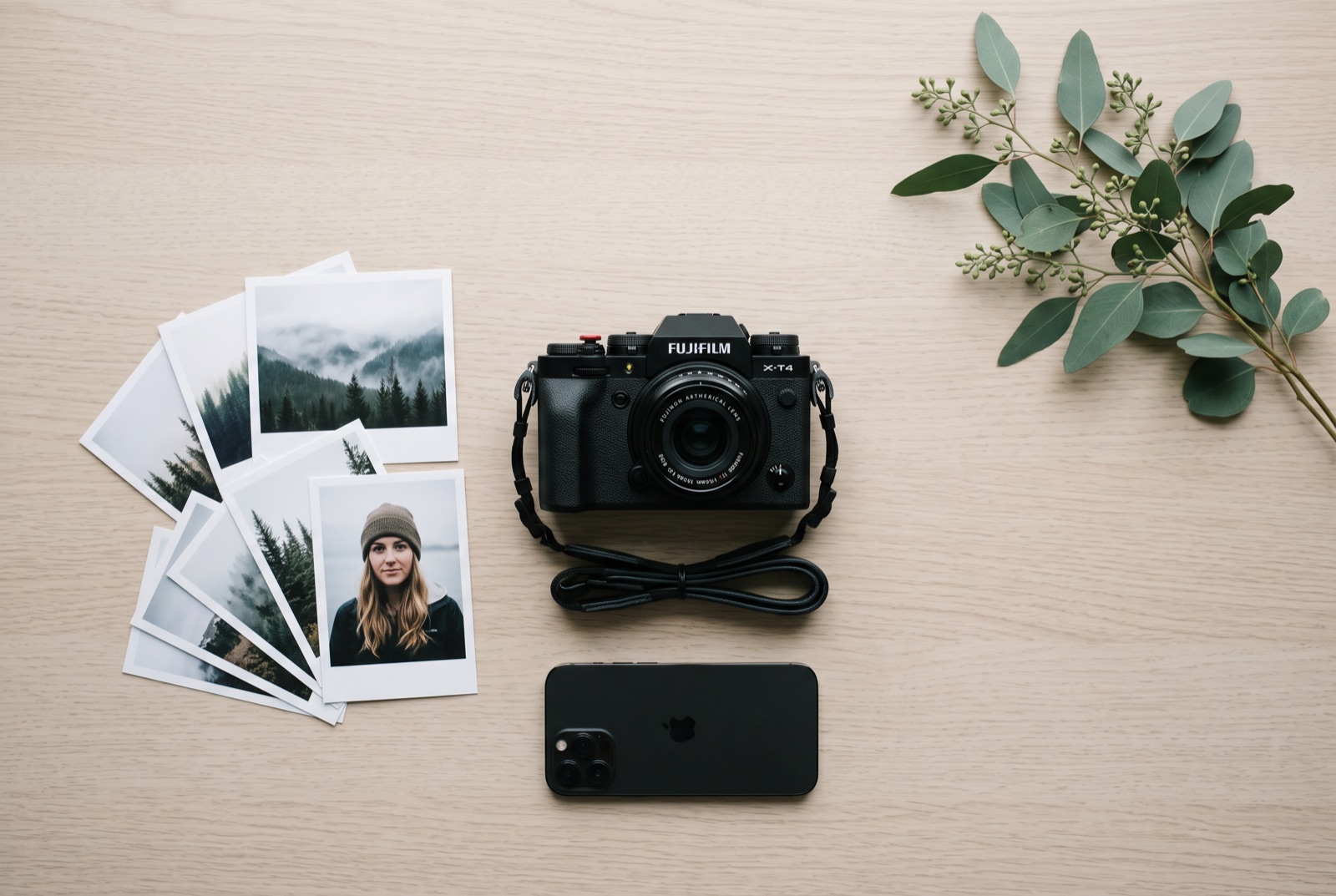
Fast because nothing leaves your machine
Every layer, filter and crop is applied in your browser. No upload bar before you can start, no server compressing your photo behind your back, no copy of it left anywhere afterwards. It keeps working when the connection drops, and the export is exactly the pixels you saw.
FAQ about the image editor
Is it really free, with no watermark?
Yes. Export as many designs as you like at full resolution with nothing stamped on them. This is the same editor our paying customers use inside the app. An account adds the Media Library, saved designs and posting, not the editing.
Do I need to sign up?
No. Open the page and start. Every tool and the full-resolution download work without an account. One honest caveat: anonymous work is deliberately not stored anywhere, so download what you make before closing the tab.
Are my images uploaded to a server?
Not while you edit. Images are read from your disk into the page, and every layer, filter and crop is applied on your own machine. The only things that ever leave your browser are the ones you explicitly ask for: saving to a Media Library, which needs a free account, or an AI edit, which is part of a paid plan.
What can it actually do?
Layers with reordering and locking, text with real typography controls, shapes, images, filters and adjustments, cropping, alignment tools, and every social size as a preset. It is a proper editor, not a meme generator with a template grid.
What does an account add?
Three things, free with the account: a Media Library so assets live in one place, saved designs you can reopen tomorrow, and send-to-composer so a finished graphic can be scheduled to 20+ networks without downloading. AI edits inside the canvas come with a paid plan. Every layer, filter and export on this page stays free without any of it.
Will my work survive a refresh?
Not without an account. The anonymous editor keeps nothing on purpose, so a refresh clears the canvas the same way closing the tab would. Signed in, the editor autosaves a draft on your device as you work and can save named designs to your account, which is exactly the difference the chip in the toolbar tells you about.
How is this different from the image resizer?
The resizer is a one-shot tool: drop a photo, pick the networks, download every size. This is a design editor: layers, type, shapes and colour for graphics you compose yourself. If you only need the right dimensions, the resizer is faster; if the image has words on it, you want the editor.
Does it work on a phone?
It runs, but a canvas editor with a layers panel wants a pointer and some screen. On a phone, the image resizer will serve you better; save the editor for a laptop.
Related reading
Instagram Post Size: 4:5, 3:4, and the Number Most Guides Get Wrong
Instagram post size runs to 1080x1440, taller than the 1080x1350 most guides quote. What the help page says, and which ratio you should use.
ReadYouTube Thumbnail Size: What Changed, and Whether Your Old Files Still Work
YouTube thumbnail size is now 3840x2160, not 1280x720. What changed, whether your existing files still work, and how to resize one free.
ReadFacebook Post Size: The Ratios Facebook Actually Keeps
Facebook post size is not published for organic posts. The 1440x1800 ranking first is an ads minimum, the same 4:5 shape as 1080x1350.
ReadLinkedIn Post Size: The Number Everyone Quotes Is the Link Card
LinkedIn post size: 1200x627 applies to link posts only, and feed images are padded rather than cropped. Both facts are missing from page one.
ReadMore free tools
Video editor
Trim, split, reframe to 9:16 and stack image, video, sound and text layers. All processed on your own machine, nothing uploaded.
OpenPDF editor
Change the text and images already in a PDF, then merge, split, reorder, sign, redact and stamp it. All in your browser, nothing uploaded.
OpenInvoice generator
Fill in your details, add line items, and download a clean, professional PDF invoice. With your logo, your currency and your tax.
Open