Instagram Post Size: 4:5, 3:4, and the Number Most Guides Get Wrong
Instagram accepts 1080 wide at any height from 566 to 1440 pixels. The tallest post is 1080 × 1440, not the 1080 × 1350 nearly every guide quotes — including one ranking on page one.
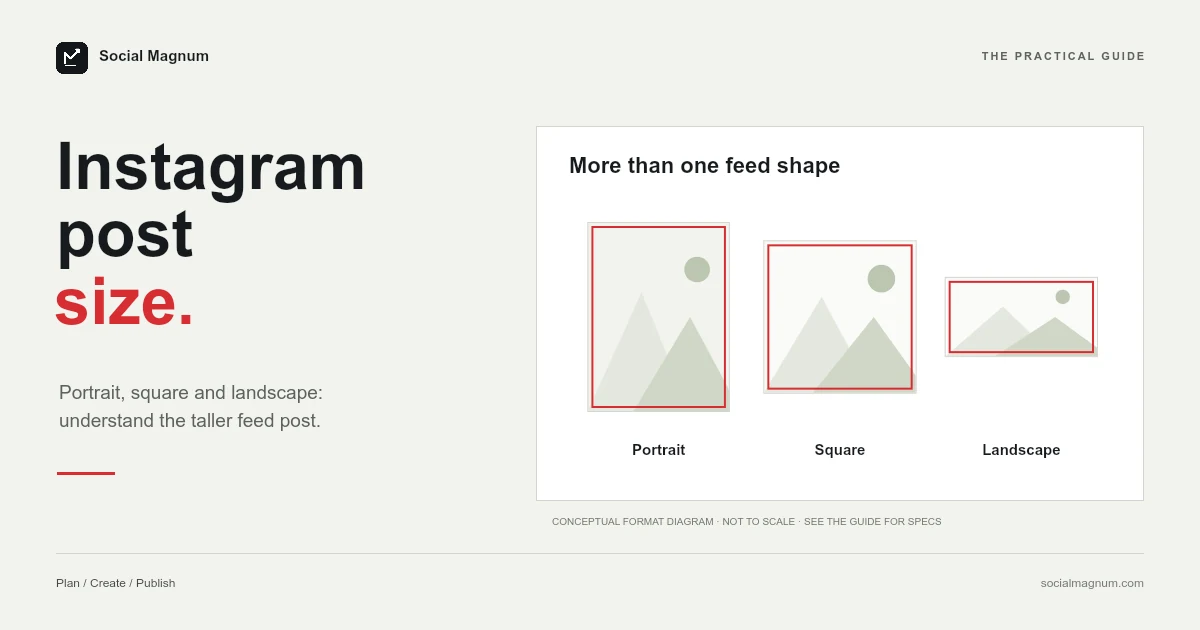
Instagram accepts feed photos 1,080 pixels wide at any height between 566 and 1,440 pixels. The most useful number in that sentence is the last one, because nearly every guide will tell you the tallest post you can make is 1,080 × 1,350.
It is not. 1,080 × 1,350 is the 4:5 ratio Instagram recommends. 1,080 × 1,440 is 3:4, and it is the tallest post the platform actually takes. Knowing the difference is what answers the question everyone is really asking right now, which is whether the new, taller profile grid means they should change what they post.
What size should an Instagram post be?
| Format | Pixels | Ratio | Status |
|---|---|---|---|
| Portrait, tallest | 1080 × 1440 | 3:4 | The maximum Instagram accepts |
| Portrait, standard | 1080 × 1350 | 4:5 | The usual recommendation |
| Square | 1080 × 1080 | 1:1 | Supported |
| Landscape, widest | 1080 × 566 | 1.91:1 | The other end of the range |
Key facts, read from Instagram’s image resolution help page on 21 August 2026: Instagram keeps a feed photo at its original resolution as long as its aspect ratio is between 1.91:1 and 3:4, which it spells out as a width of 1,080 pixels with a height between 566 and 1,440 pixels. A photo outside that range is cropped to fit a supported ratio rather than rejected. Anything wider than 1,080 pixels is sized down to 1,080, and anything narrower than 320 pixels is enlarged to 320. So 1080 × 1440 (3:4) is the tallest post Instagram accepts, 1080 × 1350 (4:5) is the usual recommendation inside that range, and 1080 × 566 (1.91:1) is the widest.
Everything between those two extremes is supported. Anything outside them gets cropped for you, which is rarely the crop you would have chosen.
The tallest post is 1080 × 1440, not 1080 × 1350
This is worth being precise about, because a page currently ranking on the first page of Google for this query states the opposite.
The mix-up is easy to understand. For years 4:5 was both the recommendation and, for most practical purposes, the ceiling, so the two collapsed into one number in everyone’s notes. Then the profile grid changed shape, 3:4 became visible, and the distinction started to matter again.
Where 566 and 1440 come from
Both numbers look arbitrary until you do the division, and then they stop being numbers to memorise at all.
The width is fixed at 1,080. The tallest supported ratio is 3:4, so the maximum height is 1,080 × 4 ÷ 3, which is exactly 1,440. The widest supported ratio is 1.91:1, so the minimum height is 1,080 ÷ 1.91, which is 565.4 — rounded up to the 566 the help page prints.
That is the whole specification: one fixed width, and two ratios that set the floor and ceiling of the height. Every other figure you will see quoted — 1,080 × 1,350, 1,080 × 1,080 — is simply a ratio someone picked from inside that range and recommended. They are conventions, not constraints, and it is worth knowing which of the numbers on your cheat sheet is which.
So should you post 4:5 or 3:4?
Google shows “Is the new Instagram grid 4 5 or 3 4?” as one of the questions people ask about this, and the honest answer is that they are asking about two different things at once.
- 3:4 (1080 × 1440) fills the most vertical space in the feed and matches the taller grid preview. It is the maximum, so nothing is left on the table.
- 4:5 (1080 × 1350) is the long-standing recommendation, and it is what most templates, presets and brand kits are already built around.
If you are starting fresh, 3:4 is the more sensible default: it is supported, it is the tallest, and it matches how the grid now displays. If you have an existing library of 4:5 templates, there is no urgency — 4:5 remains squarely inside the supported range and nothing about it has broken.
What you should not do is mix them casually across a single account. The grid reads as a set, and alternating between two portrait ratios is more visible there than either choice is on its own.
It also helps to remember that any post is shown in two different places that are not the same shape. Someone scrolling their feed sees one thing; someone landing on your profile sees a grid thumbnail. A composition that puts the subject right at the top or bottom edge can survive one view and be trimmed in the other, which is a good reason to keep the important part of the frame away from the extremes regardless of which ratio you settle on.
Reels and Stories are a different question again — they are full-screen at 9:16 rather than feed-shaped, and they follow their own rules. Everything on this page is about photos in the feed.
What happens to an image that does not fit
Instagram does not reject an image with an unsupported ratio. It crops it, in its own words, “to fit a supported ratio”. That is a meaningful difference: a rejection tells you something is wrong, a silent crop just quietly removes part of your picture and posts the rest.
Nothing warns you. The post goes out looking fine to the platform and wrong to you, and the usual way people discover it is by scrolling past their own post later and noticing a head is missing.
Resolution is handled the same way, in both directions. A photo wider than 1,080 pixels is sized down to 1,080. A photo narrower than 320 pixels is enlarged to 320 — which is upscaling, with all the softness that implies.
Why 1080 pixels wide is the ceiling
A frequent and reasonable instinct is to export at 2160 or 4096 wide on the theory that more pixels survive compression better. They do not survive, because they are not kept. Instagram sizes anything wider than 1,080 pixels down to 1,080.
There is a real argument for exporting slightly larger and letting Instagram do the downscale, since a good resampler produces a cleaner result than a bad one. But it is a small effect, and it is not the free quality upgrade people hope for. The larger wins are choosing the right ratio so nothing is cropped, and exporting at a sensible quality so the file is not already degraded before it arrives.
Text and fine lines are where compression shows first. A screenshot or a graphic with small type will look worse than a photograph at identical dimensions, which is an argument for larger type rather than larger files.
If a post has come out soft and the dimensions were right, the cause is usually one of three things. The source was already small and got enlarged on the way in. The image was exported at low JPG quality before it ever reached Instagram, so the platform compressed an already-degraded file. Or it was a graphic with fine detail — thin strokes, small type, sharp gradients — which is simply the hardest thing to compress cleanly.
None of those are fixed by exporting larger. The first two are fixed at the source, and the third is fixed by designing for the size the image will actually be seen at.
Carousels
The same supported range applies to the photos in a carousel, so every slide has to live inside the 1.91:1 to 3:4 envelope like any other post.
The advice that follows is simple: build every slide at identical dimensions before you start. A carousel is read as one object, and slides that were exported at different ratios will not sit together neatly however carefully the individual images were made. Pick 3:4 or 4:5, set the canvas once, and make all of them there.
Post size in inches and centimetres
This comes up often enough that Google lists it among the related searches for this query, in inches, centimetres and millimetres.
An Instagram post has no physical size. It is a screen image measured in pixels, and how many inches it occupies depends entirely on the device holding it. The question is real, though: design tools built for print open new documents in physical units, so people are asked for a measurement Instagram never specifies.
If your tool insists, the conversion runs through resolution. At the 96 pixels-per-inch web standard, 1,080 × 1,350 is 11.25 × 14.06 inches, or roughly 28.6 × 35.7 centimetres. At the 300 DPI print default, the same pixels are 3.6 × 4.5 inches. Both are correct and neither is useful — set the document units to pixels and enter the numbers directly.
How to resize an image for Instagram
If you already have a photo, the work is choosing a ratio and cropping to it deliberately rather than letting the app decide. A phone photo is usually 4:3, which is very close to 3:4 turned on its side, so a portrait crop from a portrait photo tends to lose very little. A landscape photo cropped to 4:5 loses a great deal.
Our free image resizer handles this in the browser, with no upload to a server and no account. Set the dimensions, choose the point the crop should keep — a face, a product, whatever the picture is actually about — and export. Getting that decision right matters more than any other setting on this page (the profile picture is the one Instagram image with no published size at all).
Instagram publishing ratios where most platforms publish pixels is unusual enough to be worth knowing about. Our guide to social media image sizes sets it beside every other platform and marks what each one actually documents.
The short version
- 1
Instagram accepts 1080 wide at any height from 566 to 1440 pixels
- 2
1080 × 1440 (3:4) is the tallest post, not 1080 × 1350 (4:5)
- 3
An unsupported ratio is silently cropped, never rejected
- 4
Anything wider than 1080 px is downscaled, so exporting huge gains you nothing