Social Media Content Calendar: The Template That Gets Used (2026)
The working version: nine columns that matter, a copyable in-page template, a weekly rhythm to fill it, and the batch-and-queue workflow — nothing gated behind an email form.
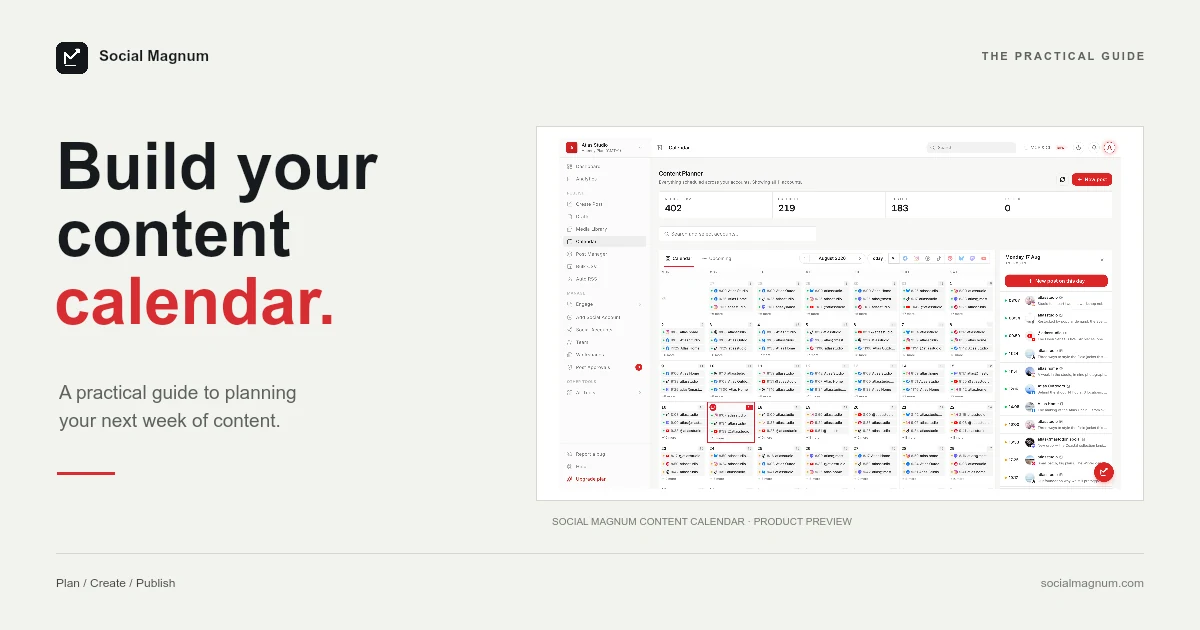
A content calendar is the least glamorous tool in social media and the one that most reliably separates accounts that grow from accounts that stall. This page is the working version: the exact columns worth tracking, a weekly rhythm you can copy today, and the workflow that turns the plan into published posts — all in the page, nothing gated behind an email form.
Why calendars beat inspiration
- Consistency stops depending on mood. The algorithmic platforms reward steady posting, and steadiness is a planning outcome, not a personality trait.
- Content mix becomes visible. Five sales posts in a row is invisible day by day and obvious on a calendar.
- Batching becomes possible. You cannot film six clips in one session without knowing what the six are.
- Dates stop ambushing you. Launches, seasonal moments and campaigns get slots weeks ahead instead of a panicked morning-of post.
The 9 columns that matter
| Column | What goes in it | Why it earns its place |
|---|---|---|
| Date + time | When it publishes | The calendar's spine; timezone included |
| Network | Instagram, TikTok, Facebook… | One row per network, even for cross-posts |
| Account | Which profile, if you run several | Multi-account teams skip this at their peril |
| Format | Reel, carousel, story, text, live | Mix is managed here, not in captions |
| Pillar | Which content theme it serves | Keeps the mix honest across weeks |
| Caption | Draft or final text | A status of its own: idea → drafted → final |
| Media | Link to the file or folder | The column that saves publishing day |
| Status | Idea / drafted / approved / scheduled / published | The workflow lives here |
| Goal or CTA | What the post is for | Forces the 'why' before the 'what' |
Nine is the honest maximum. Calendars die of column bloat — engagement predictions, hashtag banks and approval chains belong in other tools, not in the grid you look at daily.
The template (copy it)
Recreate this in any spreadsheet — the header row is the template. It is also the shape most schedulers’ bulk importers accept, ours included, so a filled month can become scheduled posts in one CSV upload rather than thirty copy-pastes:
| date | time | network | account | format | pillar | caption | media | status |
|---|---|---|---|---|---|---|---|---|
| Mon | 18:00 | @brand | Reel | Educate | 3 mistakes when… | drive.link/a | scheduled | |
| Tue | 12:30 | TikTok | @brand | Video | Entertain | POV: the client says… | drive.link/b | drafted |
| Wed | 18:00 | Brand Page | Image | Community | Behind the counter… | drive.link/c | idea | |
| Thu | 17:00 | @brand | Pin | Educate | The checklist for… | drive.link/d | idea | |
| Fri | 19:00 | @brand | Carousel | Sell softly | What working with us… | drive.link/e | idea |
A weekly rhythm to fill it
The template above fails without a repeatable answer to “what goes in the rows.” Borrow this rotation and adjust: one post that teaches something, one that entertains inside your niche, one that shows the humans or the process, one that engages (a question, a poll, a take), and at most one that sells directly. That is a five-post week with a mix the audience can live with — the folk 5:3:2 and 80/20 rules are looser versions of the same discipline. Need the rows themselves? Our 48 post ideas, organised by what each earns, exists to fill this exact template.
The batch-and-queue workflow
- Plan weekly, once. Thirty minutes, same day each week: fill next week’s rows, review the mix, kill the weakest idea.
- Batch by column, not by row. Write all captions in one sitting, shoot all media in another — context-switching is where the hours go.
- Queue everything, then stop. Move finished rows into a scheduler and let the week publish itself. Social Magnum is ours — one calendar across eight networks, CSV import for exactly this handoff, and a free plan — and the workflow is identical in any tool, spreadsheets included.
- Leave slots empty on purpose. One flexible slot a week for the timely post keeps the calendar from fighting the news.
Where to keep it
- A spreadsheet — free, flexible, and where the template above works as-is. The handoff to publishing stays manual.
- Notion or a project board — better statuses and collaboration, same manual handoff.
- A scheduler’s calendar — plan and publish merge into one surface; drag-and-drop rescheduling replaces the date column. The free plans of most schedulers (we verified the real ones here) are enough to test the merge.
Why calendars get abandoned
The short version
- 1
Too many columns: nine or fewer, or nobody updates it after week two.
- 2
Planning monthly: a month of guesses goes stale; plan weekly against a monthly theme instead.
- 3
No empty slots: calendars that cannot absorb a timely post get bypassed, then ignored.
- 4
Planning without batching: a plan you execute daily is still a daily grind — the calendar pays off at the batching step.
- 5
Perfectionism in the grid: the calendar is a working document; 'drafted' beats 'perfect' in every cell.
Related reading: 48 social media post ideas, the fill-in social media strategy template and the 12 social media KPIs that matter.