PNG to JPG Converter
Convert PNG photos and screenshots to JPG in your browser. Choose the quality, replace transparency with a background color and save a batch as a ZIP.
- Free, no signup
- Files stay on your device
- Batch JPG + ZIP downloads
Write it once, post it everywhere. Social Magnum schedules and publishes to all 20+ networks in one click.
Make your JPGs
Your images stay on this device. No signup, watermark or upload to a server.
Original dimensions kept. Still PNG only. Up to 16 megapixels and 8,192 pixels per side.
Drop your PNG images here
Up to 10 files · 20 MB each · 60 MB total
Choose your images, set the quality, then convert.
Your JPG previews and downloads will appear here.
Choose the format for the job.
PNG
Your original
JPG
Ready to download
Transparent areas filled with your chosen color
JPG is lossy and opaque. Keep PNG for transparency and crisp artwork.
From PNG to ready
How to convert PNG to JPG
A format change should be straightforward. Make your choices once, then let the converter work through your batch.
- 1
Choose your PNG images
Select one image or a batch from your device. The tool reads the actual file format, so a renamed JPEG or a damaged download gets a clear error.
- 2
Set quality and background
Start at 90% quality. Choose the color that should replace transparent pixels. Your image keeps its dimensions, with no cropping or stretching.
- 3
Convert and check the results
Each ready image shows a preview, its dimensions and its new file size. A problem with one file does not stop the rest of the batch.
- 4
Download a JPG or the whole ZIP
Save images individually or download all ready JPGs together. Duplicate filenames receive a number so one file cannot overwrite another inside the ZIP.
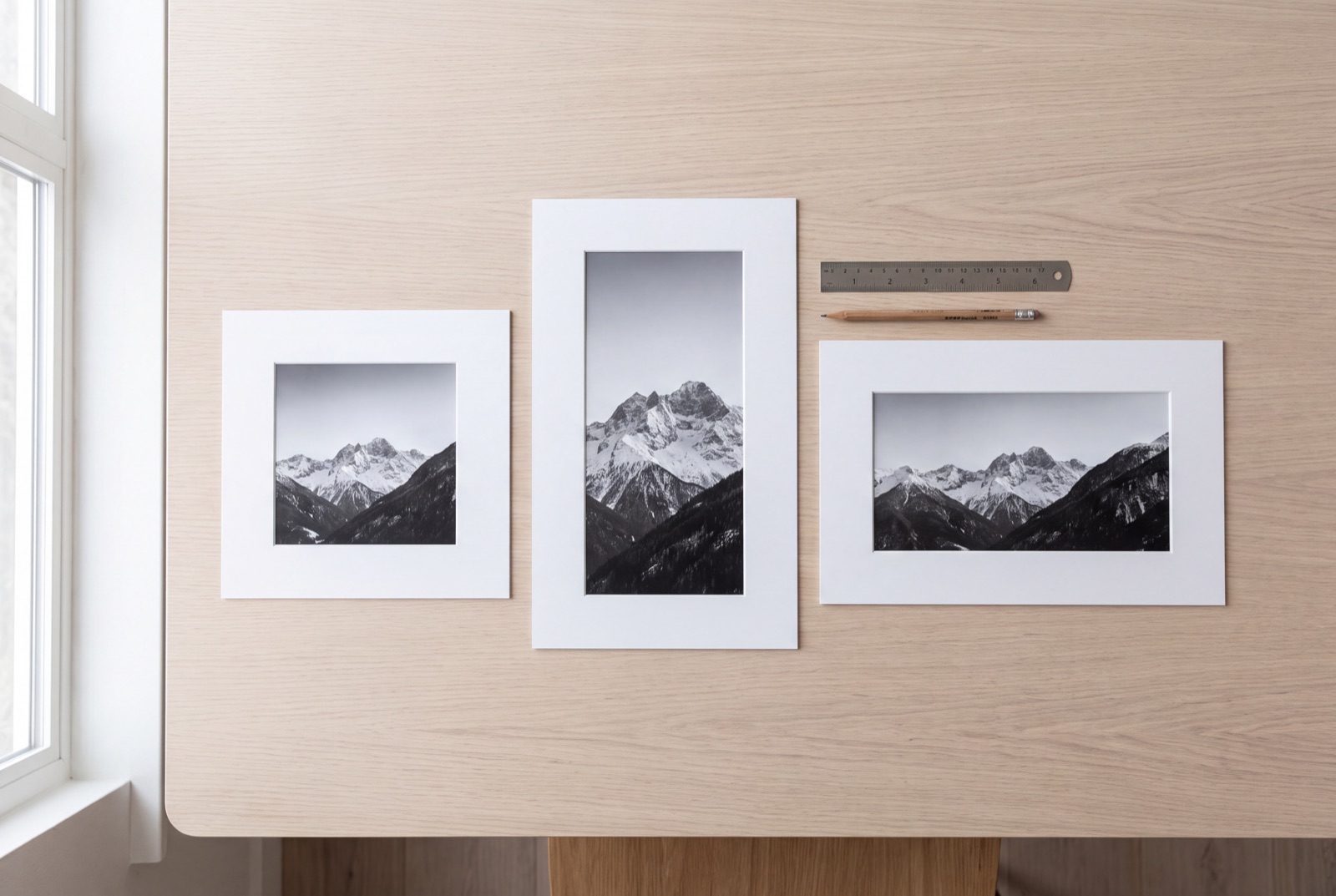
The right format for the next step.
Need a JPG for an upload form, listing or document? Create a copy and keep the original PNG. JPG is useful for photographic content, but PNG is often the better choice for sharp text, line art and transparent logos. Check the downloaded image at full size before replacing a source file.
Useful wherever your images go
One simple conversion, with practical controls for different kinds of work.
Social media posts
Make JPG copies of PNG exports for your publishing workflow. Use our image resizer next if the post also needs different dimensions.
Documents and slides
Create JPG copies for presentations, reports and document editors that need a widely supported image format.
Product photos
Choose a consistent background for transparent product images before saving a JPG for a listing or catalogue.
Client handoffs
Convert a batch and share one ZIP. Clearly named JPGs are easy for another person to open and organise.
Your images are ready. Put them to work.
Bring your finished JPGs into Social Magnum to plan, schedule and publish your social posts. Keep your content calendar and connected accounts in one place, with free tools available whenever you need them.
PNG to JPG questions, answered
When should I keep a PNG instead of converting to JPG?
Keep PNG for transparent backgrounds, logos, diagrams, pixel art and screenshots where crisp text matters most. JPG is a lossy format, so sharp edges can show compression artifacts. Use this tool when your destination needs JPEG or when a photo benefits from a smaller copy; it is not a lossless PNG compressor.
How do I convert PNG to JPG?
Choose or drop your PNG files into the converter, choose JPG quality and a background color, then select Convert to JPG. Download each result separately or save the ready files together as a ZIP. You do not need an account.
Are JPG and JPEG the same format?
Yes. JPG and JPEG are two filename extensions for the same image format. This converter exports real JPEG image data with a .jpg extension; it does not simply rename the PNG file.
Will converting PNG to JPG reduce image quality?
JPEG uses lossy compression, so converting can discard detail even at 100% quality. The tool keeps the decoded image dimensions without cropping or resizing. Start at 90%, inspect the preview and downloaded image, and increase quality if needed. Keep your original PNG for future edits.
What happens to a transparent PNG background?
JPG cannot store transparency. Transparent and partially transparent areas are combined with your chosen white, black or custom background. Opaque parts of the image are unaffected by the background setting. Keep the original PNG if you need a transparent logo, cutout or overlay.
Can I convert several PNG files at once?
Yes. Add up to 10 files per batch, with a 20 MB limit per file and 60 MB total input. Images must be at most 16 megapixels and 8,192 pixels on either side. Ready JPGs can be downloaded together as a ZIP. Converted output is limited to 100 MB per batch to help keep browser memory manageable.
Are my images uploaded or stored on a server?
No. Image decoding and JPG conversion happen locally in your browser. The converter does not send image files to Social Magnum or any other server. Clear all removes the selected files and results from this page; downloaded files remain on your device.
Can I convert animated PNG (APNG)?
No. This tool accepts still PNG images and rejects animated PNG (APNG) files with an explanation, even when their extension is .png. JPG cannot preserve animation, so converting an animation to a single picture would lose its motion.
Why is my JPG larger than the PNG?
PNG can compress flat colors and simple graphics very efficiently. JPG is often useful for photos, but a JPG can be larger than a small PNG, especially at high quality. Lower the quality and convert again if you need a smaller file. There is no guarantee that changing formats will reduce the file size.
Does the JPG preserve metadata and color profiles?
The converter exports the decoded pixels from a browser canvas. Original high-bit-depth precision is not preserved. It does not copy the original EXIF, XMP or embedded color profile into the JPG. Color appearance can vary with browser color management. Keep the source file when metadata or exact color reproduction matters.
Can I use it on my phone?
Yes, in a current browser that supports PNG decoding and JPG canvas export. Choose files from your device and save the results through your browser. Large batches may need more memory than a phone can provide; use fewer or smaller images if conversion fails.
Format reference: W3C PNG specification. Export behavior: Canvas image export. Checked 27 September 2026.
Related reading
Social Media Image Sizes: Documented, or Just Widely Agreed?
Social media image sizes split into what the platforms publish and what is only convention. Every figure read at source, the difference marked.
ReadInstagram Post Size: 4:5, 3:4, and the Number Most Guides Get Wrong
Instagram post size runs to 1080x1440, taller than the 1080x1350 most guides quote. What the help page says, and which ratio you should use.
ReadMore free tools
Video to GIF
Turn a short video clip into a looping GIF. Trim, choose the size and frame rate, preview and download.
OpenHEIC to JPG
Turn HEIC photos into JPGs. Choose quality, preview each result and download individual images or a ZIP.
OpenUTM builder
Create campaign URLs for social posts, email and ads. Add UTM tags, review your link and copy it.
Open