HEIC to JPG Converter
Make your HEIC photos easier to share. Convert them to JPG in your browser, choose the quality and download individual images or the whole batch as a ZIP.
- Free, no signup
- Photos stay on your device
- Batch JPG + ZIP downloads
Write it once, post it everywhere. Social Magnum schedules and publishes to all 20+ networks in one click.
Make your JPGs
Your images stay on this device. No signup, watermark or upload to a server.
Original dimensions kept. Up to 24 megapixels and 8,192 pixels per side. The primary still photo is converted; extra images and Live Photo video are not exported.
The photo decoder downloads on first use. EXIF/GPS, HDR gain maps and original color profiles are not copied. Transparent areas become white.
Decoder licenses and sourceDrop your HEIC images here
Up to 5 files · 20 MB each · 60 MB total
Choose your images, set the quality, then convert.
Your JPG previews and downloads will appear here.
A photo more places can open.
HEIC
Keep your original
JPG
Share a compatible copy
Your dimensions. Your quality setting. One JPG per photo, or one ZIP for the batch.
From camera to compatible
How to convert HEIC to JPG
Keep your original photos and create JPG copies for the places that need them.
- 1
Choose your HEIC photos
Add one photo or a batch of up to five. You can select files from your device or drop them into the converter.
- 2
Choose JPEG quality
Start at 90% for a balance of detail and file size. Lower quality usually makes a lighter file, while higher settings retain more detail.
- 3
Convert and check each result
The decoder processes one photo at a time on your device. Each ready JPG shows its dimensions, file size and a preview.
- 4
Download JPGs or a ZIP
Save a single result or the ready batch. Duplicate filenames get a number so separate photos remain separate in the ZIP.
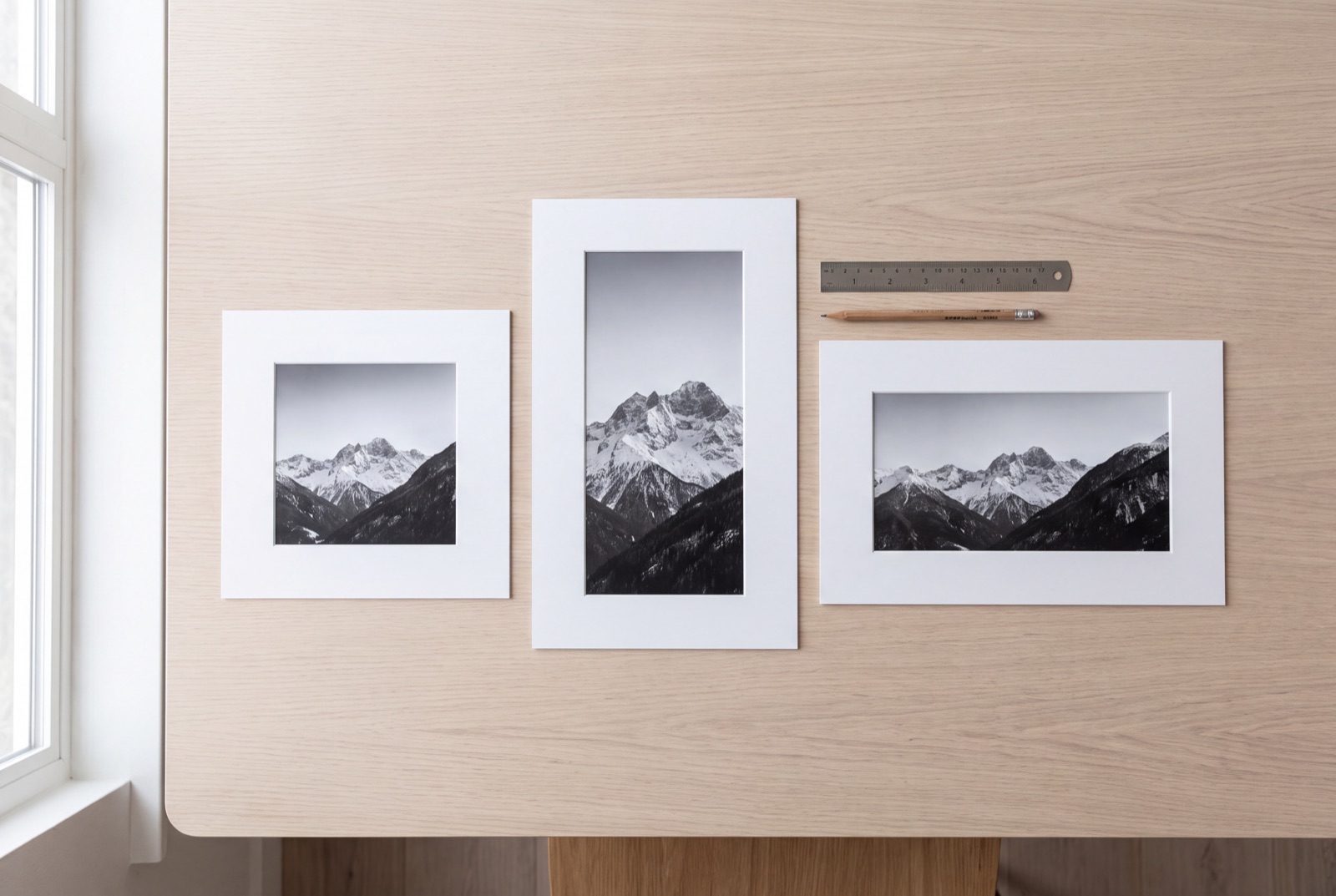
The same moment. A more familiar format.
A website, application form or client may ask for a JPG when your phone has saved a HEIC. Create a compatible copy without changing the original. Check the downloaded photo before sharing, especially if the source uses HDR or wide-gamut color.
Useful wherever your photos go
A practical format change for everyday photo tasks.
Upload forms
Make a JPG copy for forms and portals that accept JPEG but do not recognise HEIC files.
Documents and slides
Bring phone photos into presentations, reports and editors that work best with widely supported image formats.
Client handoffs
Give a client a set of JPGs in one ZIP so they can open the photos without installing a HEIC viewer.
Social media assets
Prepare compatible still images for your publishing workflow, then resize them if the destination needs different dimensions.
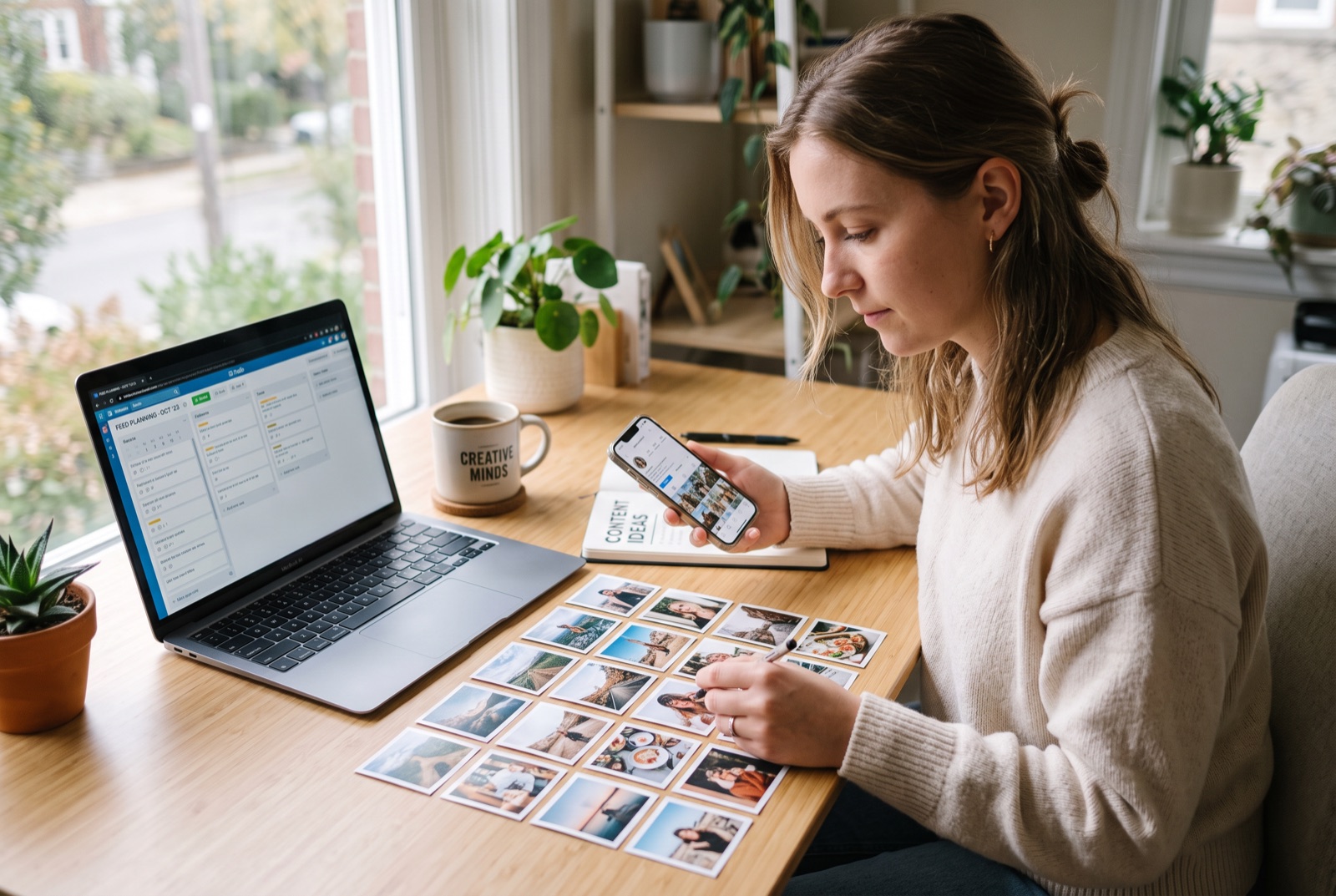
Your photos are ready. Plan your next post.
Bring your finished JPGs into Social Magnum to plan, schedule and publish your social posts. Keep connected accounts and your content calendar in one place, with free tools available whenever you need to prepare another image.
HEIC to JPG questions, answered
How do I convert HEIC to JPG?
Choose your HEIC or HEIF photos, set JPEG quality and select Convert to JPG. Check each preview, then download a JPG or save all ready images in one ZIP. No account is required. The tool reads the actual file format; changing a filename extension alone does not convert an image.
What is a HEIC file?
HEIC is commonly used for photos stored in the High Efficiency Image File Format (HEIF) with HEVC compression. Many iPhones save photos this way to use storage efficiently. JPG is more widely accepted by upload forms, document editors and older software. Keep the HEIC original when you need its original quality and photo information.
Does this work with photos from an iPhone?
The converter supports still HEIC photos, including the common format used by iPhones. Choose the actual .heic file from your device. A sharing service may already have changed your photo to JPEG; in that case, use that JPEG directly. Unusual or damaged HEIF files and image sequences may not be supported.
Are my photos uploaded or stored on a server?
No. The decoder downloads to your browser when you convert, and your photos are processed on your device. The converter does not upload the selected photos to Social Magnum or another service. Clear all removes selected files and results from this page; downloaded copies stay on your device.
Can I convert several HEIC files at once?
Yes. Choose up to five files, with a 20 MB limit per file and 60 MB total input. Photos must be at most 24 megapixels and 8,192 pixels on either side. Conversion runs one photo at a time to limit memory use. A problem with one file does not stop the other files, and ready JPGs can be saved together as a ZIP.
Does HEIC to JPG reduce image quality?
JPEG uses lossy compression. Start at 90%, inspect the result and adjust quality if needed. The tool keeps the decoded photo dimensions without resizing or cropping, but it does not preserve the original high-bit-depth or HDR representation. Even 100% JPEG quality does not create a lossless copy. Keep your source HEIC for future edits.
Will the JPG keep EXIF, GPS and HDR information?
No. The JPG is made from decoded pixels; original EXIF/GPS, camera metadata, embedded color profiles, depth data and HDR gain maps are not copied. Display color can differ from a native Photos app, particularly for HDR or wide-gamut originals. The decoder applies supported HEIF image transformations, but you should check the orientation and colors before using the download.
What happens to Live Photos or multiple images in one HEIC?
This tool exports the primary still photo from each file. It does not export additional images, depth maps, Live Photo motion or audio. If the container has multiple top-level images, the result states that only the primary photo was exported. HEIF image sequences are rejected. Keep the original if you need the complete photo asset.
Why is my JPG larger than my HEIC?
HEIC can store photographic detail more efficiently than JPEG. A high-quality JPG can therefore be larger than its source. Lower the JPEG quality and convert again if file size matters. There is no guarantee that changing the format will make a photo smaller.
Can I convert on my phone or in Chrome?
Use a current browser with WebAssembly, workers and OffscreenCanvas JPEG export. The tool includes its own HEIC decoder, so it does not rely on Chrome displaying HEIC natively. Available memory still matters: try one smaller photo if a batch fails on a phone. Images above the stated limits must be reduced or exported through your photo app first.
Decoder: libheif. Licenses, corresponding source and replacement instructions. Checked 27 September 2026.
Related reading
Social Media Image Sizes: Documented, or Just Widely Agreed?
Social media image sizes split into what the platforms publish and what is only convention. Every figure read at source, the difference marked.
ReadInstagram Post Size: 4:5, 3:4, and the Number Most Guides Get Wrong
Instagram post size runs to 1080x1440, taller than the 1080x1350 most guides quote. What the help page says, and which ratio you should use.
ReadMore free tools
UTM builder
Create campaign URLs for social posts, email and ads. Add UTM tags, review your link and copy it.
OpenLinkedIn text formatter
Format your LinkedIn post with bold, italic, bullets and clean spacing. Preview it and copy it, all without signing in.
OpenImage resizer
Drop in one image and get a perfectly-sized copy for every platform. Instagram, Facebook, X, LinkedIn, Pinterest, TikTok and YouTube.
Open