The Best Time to Post on Instagram Is Not on This Page
Five guides on page one give five contradicting answers. Instagram, ranking third on the same page, says there is no universal best time and points at your own Insights.
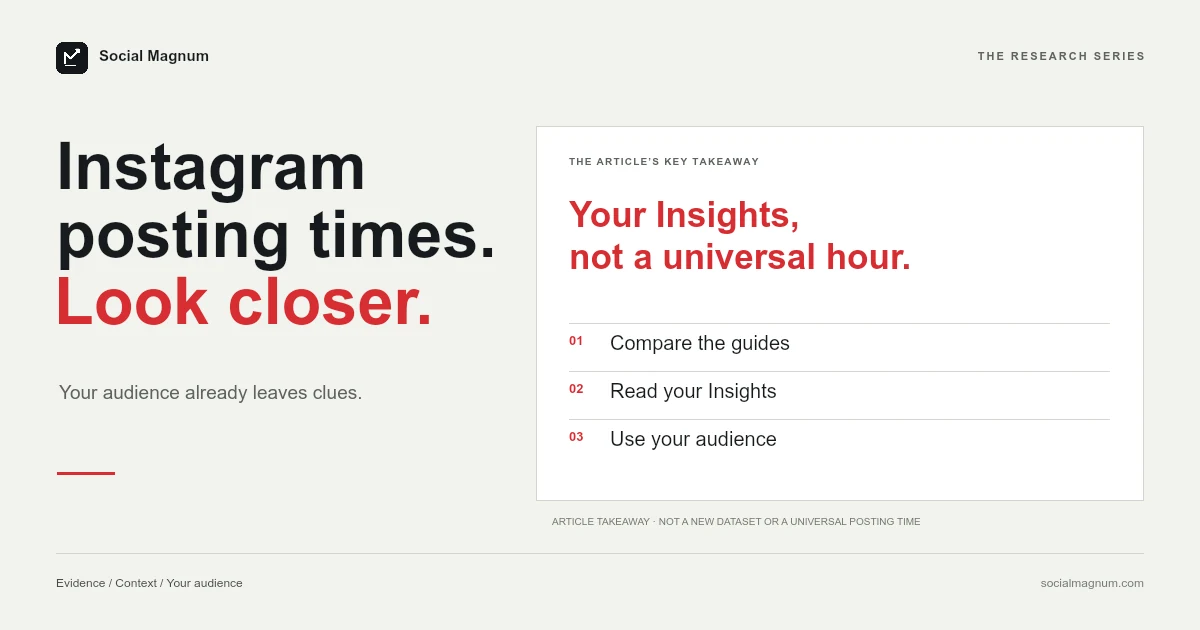
There is no best time to post on Instagram that applies to you, and the strongest evidence for that is on the first page of Google, where five widely read guides give five different answers.
Instagram itself says the same thing. The useful version of this article is not another chart — it is how to find the answer for your own account, which takes about two minutes and is free.
What page one actually says
These are all currently ranking for this search. We have not paraphrased them.
| Source | Its answer |
|---|---|
| Sprout Social | Mon 2–4pm, Tue 1–7pm, Wed 12–9pm, Thu 12–2pm |
| Hootsuite | Mon 3–9pm, Tue 5–8am and 3–7pm, Wed 5pm, Thu 4–5pm |
| Adobe | Wed 11am and 1pm, Fri 10am and 11am |
| Mailchimp | 11am–3pm, described as good for all time zones |
| Vamp | Wednesday 11am, the single strongest slot |
None of these are dishonest. Each one is a real average of a real dataset. The problem is that they are averages of different datasets, drawn from different customer bases in different industries and countries — so they converge on nothing, and the disagreement is the most informative thing about them.
Mailchimp’s version makes the underlying difficulty visible: a single window offered as correct across all time zones cannot also be a statement about when people are awake.
Instagram’s own answer
Sitting between those guides on the same results page is a post from Instagram with more than fifty thousand likes, and it is blunter than anything around it.
That is the platform telling you the chart approach is the wrong shape of answer, and pointing at the tool that gives the right one.
Where does Instagram show when my followers are online?
Instagram Insights records when the people who follow you are active, broken down by day and by hour. It is free, it is in the app, and it is specific to your account in a way no published table can be.
- Open your profile and go to Insights.
- Find your audience or followers breakdown.
- Look at the most active times, by hour and by day.
You need a professional account — Business or Creator — for Insights to appear at all, which is the only real prerequisite. Once you have a window, the queue itself is free too: our guide to scheduling Instagram posts covers the 25-a-day, 30-day limits Instagram sets.
The same idea exists on the other side of Meta. When we looked at scheduling Facebook posts, the scheduling panel itself has an Active times control that recommends hours built from your own followers. Meta is not hiding this. It is two clicks from where you already are, and it is better than any of the tables above.
Post before the peak, not at it
One refinement worth knowing, and it comes from creators rather than from Instagram, so treat it as a technique rather than a rule.
The suggestion is to publish roughly 30 to 60 minutes before your audience’s most active window rather than during it. The reasoning is straightforward: a post needs to already exist when people open the app, not arrive while they are mid-scroll.
It is easy to test on your own account, which is the right way to treat any claim of this kind — including the ones on this page.
Running your own test
Insights tells you when your followers are online. It does not tell you when your posts do best, which is a related but different question — so the second step is a test you run yourself.
- Pick two candidate windows from your Insights, far enough apart that they are genuinely different — a morning slot and an evening one, say.
- Alternate between them for a few weeks, keeping everything else as steady as you can.
- Compare posts of the same type against each other. A Reel against a carousel tells you nothing about timing.
- Give it enough posts to mean something. Two of each is noise; ten of each starts to be a signal.
This is slower than reading a chart and it is the only method that produces an answer about your account rather than somebody else’s. It also has a useful side effect: after a few weeks you will usually find the difference is smaller than you expected, which is worth knowing before you spend more attention on it.
What Insights will not tell you
Worth being straight about the limits of the data, since we have just spent several hundred words recommending it.
Follower activity shows when the people who already follow you are using the app. It says nothing about the much larger group who might see your post without following you, and on Instagram that group is often where growth actually comes from.
It is also circular in a quiet way. If you have always posted at 7pm, your followers are the people for whom 7pm worked — the audience you built reflects the schedule you kept. That does not make the data wrong, but it does mean it describes the account you have rather than the one you might have.
A spread-out audience has no single answer
If your followers are concentrated in one country, Insights will show you an obvious peak and the decision is easy.
If they are spread across several time zones, there is no hour that is good for all of them, and the honest answer is that you are choosing which part of your audience to prioritise rather than finding an optimum. Pick the largest group, or the one that matters most commercially, and accept that the rest see the post later.
This is the case where published charts do the most damage, because a single recommended hour implies a precision that cannot exist for an audience spanning half the planet.
Why do best-time-to-post charts disagree?
It is worth understanding the mechanism, because it explains why the next chart you find will disagree too.
- Different customers. A scheduling tool’s data reflects the accounts that use that tool. An agency-heavy customer base and a creator-heavy one produce different peaks.
- Different time zones, flattened. Aggregating a global dataset into “2pm” requires deciding whose 2pm, and the answer is usually the country the company is based in.
- Different industries. A B2B software audience and a bakery audience are not online at the same hours, and averaging them describes neither.
An average across millions of unrelated audiences is a real number that describes nobody in particular. That is the whole reason the published charts disagree: each is an honest average of a different population, so the next chart you find will disagree too, and none of them is measuring your account. Your own Insights describes exactly one audience, and it is the only one you can post to.
What matters more than the hour
Timing is a real but modest lever, and it is worth saying plainly that it is not the reason most posts underperform.
Consistency does more work: an audience that knows roughly when you appear is a bigger advantage than any single well-chosen slot. So does the first few seconds of the post itself, and so does actually being there afterwards to reply — a good post published at a mediocre hour outperforms a mediocre post published at a perfect one, reliably.
The honest framing is that timing is a tiebreaker. It is worth getting roughly right and it is not worth agonising over, and anyone offering it as the main lever is selling something.
There is a reason the question is so heavily written about anyway, and it is not that the answer is valuable. It is that timing feels controllable in a way that quality does not. You cannot decide to make a better video by reading an article, but you can decide to post at 11am — so the hour absorbs attention out of proportion to what it does.
Notice too that almost every chart on this subject is published by a company that sells scheduling software. That does not make the numbers false, but it does explain why the question stays prominent: a problem whose solution is a scheduling tool is a good problem for a scheduling company to keep alive. We sell one, which is exactly why this page does not end in a chart.
When does posting time actually matter on Instagram?
There are cases where the hour is not a tiebreaker, and they are narrower than the literature suggests.
- Anything time-bound. A sale that ends today, an event tonight, a launch — here the deadline sets the schedule, not the analytics.
- An audience in one place. A local business has a genuinely concentrated window, and it is the one on their own Insights.
- When you can be present. Replying in the first hour is worth more than the hour itself, which makes your own availability a legitimate scheduling input.
There is one place where Instagram timing genuinely is measured in seconds rather than hours, and it is replying: Meta holds automated bots to a 30-second response and gives businesses a 24-hour window to answer at all. Our guide to Instagram auto reply covers what that permits.
The short version
- 1
Five guides on page one give five contradicting answers, because each averages a different dataset
- 2
Instagram says there is no universal best time and points at your own Insights
- 3
Instagram Insights shows when your followers are active, by hour and day, free
- 4
Timing is a tiebreaker — consistency and the post itself do more work