Facebook Group Cover Photo Size: Three Covers, One Word
The answer is 1,640 x 856. The reason page one is confusing is that Facebook calls three different rectangles a cover photo, and a third of the results answer with the wrong one.
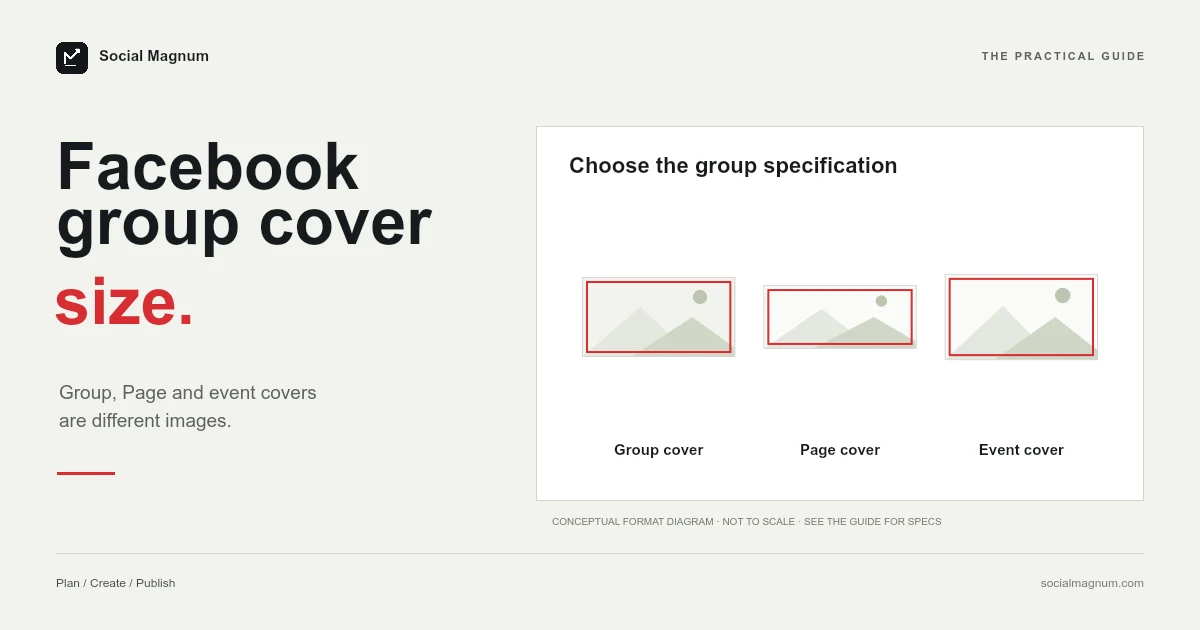
Search for the Facebook group cover size and page one hands you three different Facebook covers, only one of which is the group one.
The answer you want is 1,640 × 856. The reason the results are confusing is that Facebook calls at least three unrelated rectangles a cover photo, and search cannot tell them apart.
What size is a Facebook group cover photo?
- 1,640 × 856 pixels, which Facebook describes as a 1.91:1 ratio.
- Not 820 × 312. That is the Page cover, and two page-one results give it in answer to this question.
- Not 1,640 × 846. That variant circulates widely and is a transposition.
Key facts, checked 21 August 2026: Facebook’s help article on adding or changing the cover photo for a group you manage says the recommended size for group cover photos, which most people search for as the group banner size, is 1,640 × 856 pixels, or a 1.91:1 ratio (1640 divided by 856 is actually 1.916, so the label is rounded). Facebook gives no minimum, maximum, file size or safe area for group covers specifically. 1,640 × 846, which circulates widely, is a digit transposition. The group cover is a different rectangle from the Page cover (851 × 315, about 2.70:1) and the event cover (1920 × 1080, 16:9).
What Facebook publishes
Facebook’s help page on adding or changing a group cover photo states that the recommended size for group cover photos is 1,640 by 856 pixels, or a 1.91:1 ratio.
The page is facebook.com/help/212144952271305, checked via Google’s crawl on 21 August 2026.
It is worth noticing that Facebook offers this as a recommendation rather than a requirement, and gives no minimum, no maximum and no file size for the group cover specifically.
The ratio is a rounding
Facebook prints the dimensions and the ratio together, which invites a check, and the check is mildly interesting.
| Dimensions | Divide | Ratio |
|---|---|---|
| 1640 × 856 | 1640 ÷ 856 | 1.916 — Facebook calls it 1.91:1 |
| 1640 × 858.6 | A true 1.91:1 | 1.910 — the exact version |
| 1640 × 846 | The circulating variant | 1.939 — noticeably further off |
So Facebook’s own label is rounded rather than exact — 1,640 × 856 is really 1.92:1, and an exact 1.91:1 at that width would be about 859 tall.
That difference is two or three pixels and matters to nobody. The reason to notice it is that it demonstrates how a stated ratio and a stated dimension can drift apart even inside a single sentence from the platform itself — which is exactly the mechanism behind much larger errors elsewhere in this series.
846 and 856
A thread on page one, four months old, is titled with the question directly: is the group cover 1,640 × 846 or something else?
856 is the published figure. 846 is a digit transposition that has taken on a life of its own, and it produces a 1.94:1 rectangle rather than a 1.92:1 one.
In practice the ten-pixel difference will not ruin anything — Facebook will fit the image either way. It is a good example of how these numbers degrade: nobody invented 846, somebody mistyped 856, and the mistake was copied faster than it was checked.
Facebook has at least three covers
This is the real reason searching for this is frustrating, and it is worth having in one place.
| Cover | Size | Ratio |
|---|---|---|
| Group cover | 1640 × 856 | ≈1.92:1 |
| Page cover | 851 × 315 | ≈2.70:1 |
| Event cover | 1920 × 1080 | 16:9 |
They are not variations on a shape. A Page cover is far wider relative to its height than a group cover, and an event cover is much squarer than either. An image designed for one and dropped into another is cropped hard or padded heavily.
We covered the other two separately, in our guides to the Facebook cover photo size and the Facebook event cover photo size, where the published figure turns out to live on an advertising page.
Two results answer the wrong question
Among the results for this query, two well-known design sites give 820 × 312 for desktop and 640 × 360 for mobile. Those are Page cover display sizes. Facebook’s own Page cover help page also ranks here, at position five.
So a third of the first page is answering a different question with confident, correct-looking numbers. Nothing is technically wrong on those pages — they are about Page covers and say so — but a reader skimming for a figure will take the wrong one.
What Facebook says about the file
Facebook publishes nothing about format or file weight for group covers specifically, but its Page cover documentation is unusually precise and the advice generalises.
That page states a cover must be at least 400 pixels wide and 150 tall, and that it loads fastest as an sRGB JPG that is 851 pixels wide, 315 tall and under 100 kilobytes.
The colour profile instruction is the part worth carrying across. An image exported in a wider colour space than sRGB can shift noticeably when a platform converts it, and a cover photograph that looked richer in your editor than it does on the page is usually this rather than compression.
What a group cover is actually for
Worth a moment, because it changes what a good one looks like and the answer is different from a Page cover.
A Page cover is mostly seen by people who already arrived at your Page. A group cover is seen in a more decisive moment: in search results, in recommendations, and at the top of the join screen, by people deciding whether this group is the one they were looking for.
This is also why the middle-band rule matters more here than on a Page. If the words that identify your group sit near an edge, the crop that removes them removes the reason somebody would join.
Who can change it
A small administrative detail that saves a confusing few minutes: the cover photo for a group is changed by people who manage the group, not by members.
Facebook’s own article is titled for someone adding or changing the cover of a group they manage, which is the distinction. If the option is not appearing for you, the usual explanation is a permissions one rather than an interface one.
It is also worth knowing that changing it is visible. Like most group activity, a new cover can surface to members, so an experimental crop at nine in the evening is not necessarily private.
Where a group cover gets cut
Like every Facebook cover, one uploaded file is displayed in more than one shape depending on the device, and the thread on page one is somebody reporting exactly that — a mobile crop that changed without warning.
Facebook does not publish safe-area figures for group covers, so anybody offering you exact safe-zone pixels has measured them rather than quoted them, and a measurement can go out of date silently.
The rule that survives every interface change is the one that applies to all of these: keep the group name, any wordmark and anything else that must be read within the middle band of the image, and treat the outer edges as decoration that may or may not survive.
Getting an image to the right shape
A 1.92:1 rectangle is wide and shallow, so this is nearly always a crop rather than a resize, and the crop is the only decision that matters.
Going from an ordinary photograph to a shape almost twice as wide as it is tall throws away most of the height. Squashing it to fit distorts faces in a way people notice without being able to name, and a default centre crop removes whatever was not in the middle.
Our free image resizer does this in the browser, with no upload and no account. Set 1,640 × 856, choose the point the crop should hold onto, and export.
For every other dimension on the platform, our guide to social media image sizes marks which figures are published by the platform and which are only widely agreed.
The short version
- 1
Facebook recommends 1,640 × 856 for a group cover, calling it 1.91:1
- 2
1640 ÷ 856 is actually 1.916, so the published ratio is a rounding
- 3
The widely circulated 1,640 × 846 is a transposition of 856
- 4
Facebook has at least three different covers: group, Page and event
- 5
A third of page one answers this question with Page cover figures