How to Schedule Twitter Posts Without Paying for Anything
X schedules posts natively from the compose box, for nothing. The result ranking first for this question is X's advertising documentation describing a different product entirely.
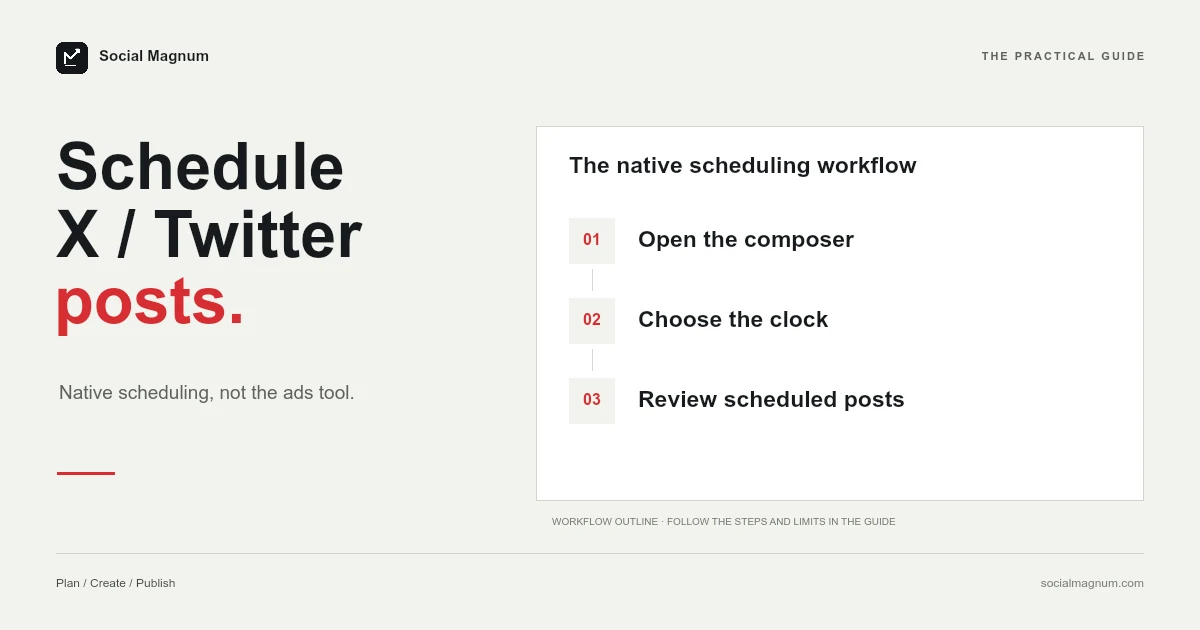
X schedules posts natively, for free, from the same box you write them in. No tool required and no account beyond the one you have.
The reason that is worth saying first is that the top organic result for this question is X’s advertising documentation, describing a completely different product — and most of the rest of page one is written by companies selling schedulers, ours included.
Scheduling inside X
The whole feature is one icon that most people have never pressed.
- Write your post in the compose box as normal.
- Select the calendar icon at the bottom of the compose box.
- Make your date and time selections, then select Confirm.
- The Post button becomes a Schedule button. Select it.
That is X’s own described flow, and it costs nothing. If you schedule fewer than a handful of posts a week for one account, you can stop reading here — this is the whole answer and everything below is about where it runs out.
Where your scheduled posts actually live
The most common complaint about X’s scheduler is not that it fails but that people cannot find what they scheduled.
They are under Unsent posts, reached from the compose box rather than from your profile or a menu. Drafts live in the same place. It is not a calendar and it is not a queue; it is a list, and it is one level deeper than anyone expects.
The top result is about a different product
Search this question and the first organic result is a page on X’s business help centre. It is genuine X documentation, it is about scheduling, and it is not what you want.
It describes scheduling Promoted-only Posts from inside an ads account at ads.x.com, using the Ads Composer. That is a paid-advertising workflow with its own composer, its own post management screen, and posts that do not behave like ordinary ones.
| Free scheduling | The page ranking first | |
|---|---|---|
| Where | x.com compose box | ads.x.com Composer |
| What it makes | An ordinary post | A Promoted-only Post |
| Managed from | Unsent posts | The Posts tab in Ads |
| Costs | Nothing | It is an advertising product |
This keeps happening. We found the same thing writing about Facebook post sizes and again about Facebook event covers, where the only published figures also lived in advertising documentation. Platforms document their paid products more thoroughly than their free ones, and search results inherit that imbalance.
The ads page does contain one detail worth borrowing: a scheduled post is not discoverable on X, or by any data partner, until the moment it goes live. So a scheduled post is genuinely invisible beforehand rather than merely unlisted.
Can you schedule from the phone app?
This is the second most common question about the feature and we cannot give you a clean answer, so here is exactly what we found.
X’s help page describes the scheduling flow without naming a platform, and shows no separate instructions for iPhone, Android and web the way some of its other articles do. A thread on the first page of results, meanwhile, is people reporting that scheduling disappeared from the mobile app.
The limits X does publish
X is specific about the post itself, even where it is quiet about the scheduler.
| Item | Limit |
|---|---|
| Post length | 280 characters |
| Post length with Premium | Up to 25,000 characters |
| Photos | Up to 4 |
| Or | One GIF, or one video |
What X does not publish is a scheduling window. Facebook states 20 minutes to 29 days, TikTok 15 minutes to 10 days, LinkedIn 10 minutes to 3 months; X’s help page names no minimum or maximum, so treat any figure quoted elsewhere as that guide’s observation rather than X’s rule.
The media rule is stricter than people assume: four photos or one GIF or one video. You cannot mix them in a single post, which matters when you are preparing a batch in advance and discover it at the moment of scheduling rather than the moment of writing.
Scheduled posts carry a label
X attaches a source label to every post recording how it was sent — X for iPhone, X for Android, X for Web, and X for Advertisers for anything created in the Ads Composer.
Third-party tools appear here under their own names. That is worth knowing before you decide it does not matter: for most accounts it genuinely does not, but for anyone whose posts are meant to read as spontaneous, the label is a small, permanent piece of context attached to every one of them.
X’s own note on these labels is that they exist so readers can judge how much to trust what they are reading. It is a fair reason, and it cuts both ways.
Where the free version runs out
Being direct about this, since we sell the alternative: for one account and a light schedule, X’s built-in scheduling is sufficient and a tool is an unnecessary expense.
It stops being sufficient in fairly specific circumstances.
- More than one account. The native scheduler works inside whichever account you are signed into, so several accounts means several sessions.
- More than one platform. Nothing you schedule on X exists anywhere else, so the same post has to be rebuilt everywhere it is going.
- Anyone approving anything. There is no review step, no draft-to-approval path, and no way for someone else to see the queue before it publishes.
- Seeing it as a calendar. Unsent posts is a list. If your question is “what is going out this week, across everything”, a list of one account’s pending posts does not answer it.
None of those are faults. They are the boundary of a feature that was built to let one person write something tonight and publish it tomorrow, which it does well.
You can change a scheduled post, but not a published one
One genuine advantage of scheduling on X that nobody sells you on: until it publishes, a scheduled post is still editable, because it has not happened yet.
That gap is more valuable than it sounds. A post written on Tuesday and going out on Thursday spends two days in a state where you can still fix the typo, change the link, or decide the joke does not land. The version of you that writes and the version that publishes are rarely equally good judges.
The practical version is to schedule slightly further out than you need to. A post going live in ten minutes gives you nothing; one going out tomorrow morning gives you an evening to reconsider it.
Choosing the time, briefly
Having decided to schedule, the obvious next question is what time to pick, and the honest answer is less exciting than the charts suggest.
Published recommendations for X disagree with each other substantially, and the reason they disagree is that they are averaging different audiences. Your own analytics are a far better source than anyone’s chart, and the gap between a good hour and a bad one is usually smaller than the gap between posting consistently and not.
We went through the published claims in detail in our guide to the best time to post on X, including why this platform is the one where timing arguably matters most and still not as much as the advice implies.
When a tool is worth it
A scheduler earns its place when the thing you are managing is a schedule rather than a post — several accounts, several platforms, someone else’s approval, or a volume you cannot hold in your head.
Social Magnum publishes to all your social accounts from one calendar, with approvals and a shared queue, and it will not make X’s own limits go away: 280 characters is still 280 characters, four photos is still four photos, and a post is still a post.
If none of the boundaries above describe your situation, use the calendar icon. It is free, it is already there, and it does the job.
The short version
- 1
X schedules natively and free — the calendar icon in the compose box
- 2
Scheduled posts live under Unsent posts, reached from the compose box
- 3
The top organic result is X's ads documentation for Promoted-only Posts
- 4
Four photos or one GIF or one video — they cannot be mixed in one post
- 5
A scheduled post is not discoverable by anyone, or any data partner, until it publishes