UGC-Style Video: 3 Formats, Scripts and the Disclosure Rules
What a UGC-style video is, three formats with copyable scripts and outlines, and what you must disclose when the creator is paid or AI-generated.
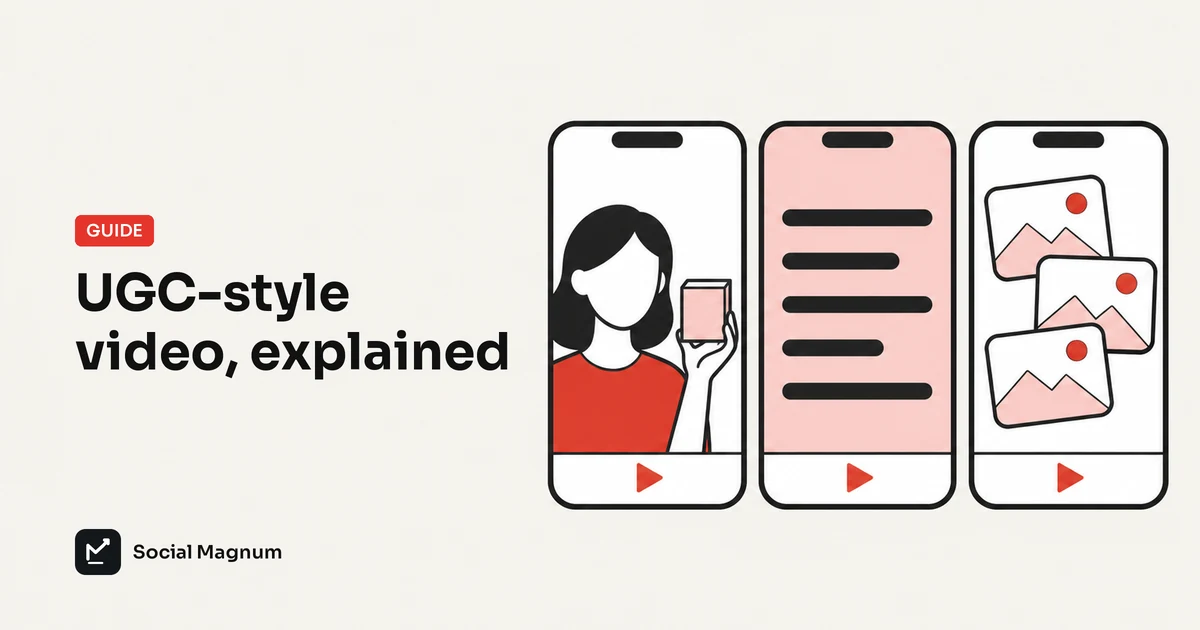
A UGC-style video is a short vertical video that looks like something a customer filmed on a phone: one person, plain setting, direct to camera, then the product. The label covers three different things, and which one you are making decides what you have to disclose.
What a UGC-style video is
The guides that rank for this topic define UGC as content made by real people and not by the brand. That was the original meaning. In practice much of the “UGC” a brand posts today is commissioned: the brand writes a brief, a creator films it at home, and the brand publishes it. More recently the presenter is sometimes not a person at all.
So it helps to treat UGC-style as a look and not a source. The look has four parts: a vertical 9:16 frame, a hook in the first second or two, a person or a point of view in place of a studio set, and the product shown in use. Everything else varies.
Three kinds, three sets of duties
| Kind | Who makes it | What it can honestly claim | What you owe the viewer |
|---|---|---|---|
| Organic customer video | A customer, unprompted and unpaid | Their real experience | Their permission to reuse it |
| Paid or gifted creator video | A creator working from your brief | Their real opinion, if they have used the product | A clear disclosure of the payment or gift |
| AI or synthetic presenter | Software; the person does not exist | Your own claims as the brand, nothing first-person | The platform's AI label, and no pretence of a customer |
None of the six ranking guides we read separates these three, and none mentions disclosure. That is the gap this article fills.
Three formats, with scripts and outlines you can copy
These three cover most of what small brands post. Each script is a template with blanks, written for a product you can show on screen. They are starting points, not tested winners.
1. Hook and demo
A person reacts for a second or two with one line of text on screen, then the video cuts to the product doing its job. It suits anything with a visible result: an app, a tool, a recipe, a before and after.
| Time | On screen | Text |
|---|---|---|
| 0 to 2 s | A person reacting or pointing up | “I was today years old when I found out [surprising thing]” |
| 2 to 20 s | Your screen recording or product clip | None, or one caption naming the step |
| Last 2 s | Product name or logo | “[One ask]: link in bio” |
- Hook starters: “Nobody told me [task] could take 30 seconds”, “Stop doing [old way]”, “POV: you just found [result]”. Over an AI presenter, use one that is not first-person, such as “Stop doing [old way]”.
- The demo is the video. If the product clip is weak, no hook saves it. Record the single most satisfying 15 seconds.
2. Wall of text
A longer block of text sits over a quiet clip of a person, long enough to read, and then the demo follows. People pause to read it, which is the mechanism. It suits a story or an opinion.
| Part | What to write |
|---|---|
| Line 1 | The situation in the reader's words: “I ran [type of business] for 3 years doing [task] by hand.” |
| Lines 2 to 3 | What it cost: time, money or a specific bad day. |
| Line 4 | The change: “Then I switched to [approach].” |
| Line 5 | The result, stated plainly and truthfully. |
| After the text | 5 to 20 seconds of the product, then one ask. |
One caution. This format reads as a personal story. If the brand wrote it, write it in the brand’s voice (“we built this because…”) or tell a real customer’s story with their permission. Do not invent a customer.
3. Slideshow
A swipeable set of photos with one sentence per slide. It is the cheapest of the three to make because it needs no video at all. Slide 1 is the hook, the middle slides each make one point, and the last slide has one ask. Our TikTok slideshow guide has six slide-by-slide outlines and the photo limits.
The disclosure rules, from the sources
This section summarises United States rules and platform policies as published. It is not legal advice, and the last column is our reading for one specific case: a brand posting on its own account with an AI presenter in the hook.
| Source | What it says | Our reading for an AI presenter |
|---|---|---|
| FTC Endorsement Guides (16 CFR 255) | Disclose a payment, gift or other connection that viewers would not expect. The advertiser is responsible, and the endorser can be too. When actors are used in place of real consumers, say so. | Applies if viewers would take the presenter for a real customer giving an opinion. |
| FTC rule on reviews and testimonials (16 CFR 465) | In force since 21 October 2024. A business may not create or spread a testimonial that misrepresents that the person exists or used the product. | The main risk. A synthetic “customer” describing their experience fits the description. |
| FTC questions and answers on that rule | AI-generated avatars in marketing are not banned as such. | A synthetic presenter is allowed. A fake testimonial is not. |
| TikTok Community Guidelines | Creators must label AI-generated or heavily edited content that shows realistic-looking people or scenes. | Turn on the AI-generated content label. |
| TikTok: promoting a brand, product or service | A post promoting your own business is marked as promotional content through the content disclosure setting. | Use the “Your brand” option. |
| Meta (Instagram and Facebook) | People must use the AI disclosure tool for organic posts with photorealistic video or realistic-sounding audio. | Label a photorealistic presenter in a Reel. |
| YouTube | Creators must disclose AI-generated or altered content that seems realistic. | Unclear for a fully fictional person. Disclosing is the cautious choice. |
For paid and gifted creators the answer is simpler. The FTC’s endorsement FAQ holds the company responsible for what others say on its behalf, and both TikTok and Meta have branded content tools the creator must switch on when they post for a brand in exchange for money or free product.
Using AI creators honestly
- No first-person product claims. A synthetic presenter can react, point or hold attention. It cannot say “I use this every day”, because nobody does.
- Put the claims in the brand’s voice. On-screen text such as “Cuts invoicing to two minutes” is your claim, and you must be able to back it.
- Label it. Use each platform’s AI setting when the person looks real.
- Do not call it a review or a testimonial. Not in the caption, not in an ad, not on your site.
- Let the real footage carry the proof. The demo should be your actual product, unaltered.
Pre-post checklist
| Check | Customer video | Paid creator | AI presenter |
|---|---|---|---|
| Written permission to post | Get it first | In the contract | Not applicable |
| Payment or gift disclosed | Not applicable | Required | Not applicable |
| Platform AI label on | No | No | Yes, if realistic |
| Own-brand promotional setting on | Yes | Creator uses branded content tool | Yes |
| First-person experience claims | Fine, if true | Fine, if true | None |
| Product claims you can prove | Yes | Yes | Yes |
Making them in UGC Studio
Social Magnum’s UGC Studio makes all three formats above. You add your brand from its website link, pick a format, and it suggests hooks and slide text. Hook & Demo and Wall of Text join a short creator clip to your own screen recording, product clip or photos; Slideshow builds the photo set. Music is built in, and finished videos land in your media library ready to schedule.
The limits, stated plainly. The 39 creators are AI-generated characters, not real people and not your customers, so everything under “Using AI creators honestly” applies. The clips are ready-made reactions: the creators do not speak your script, and there is no voice-over. The tool does not generate product footage; the demo is whatever you upload. The free plan makes 10 videos or slideshows a month in total with 5 of the creators and a small socialmagnum.com badge; paid plans remove the monthly cap and the badge.
The short version
- 1
UGC-style is a look: vertical, hook first, a person or point of view, the product in use.
- 2
Three sources share the label: real customers, paid creators and AI presenters.
- 3
Paid creators disclose the payment; realistic AI presenters carry the platform's AI label.
- 4
Never present a synthetic person as a customer or call the video a testimonial.
- 5
Start with Hook and Demo if your product has a visible result; Slideshow if you have no video.